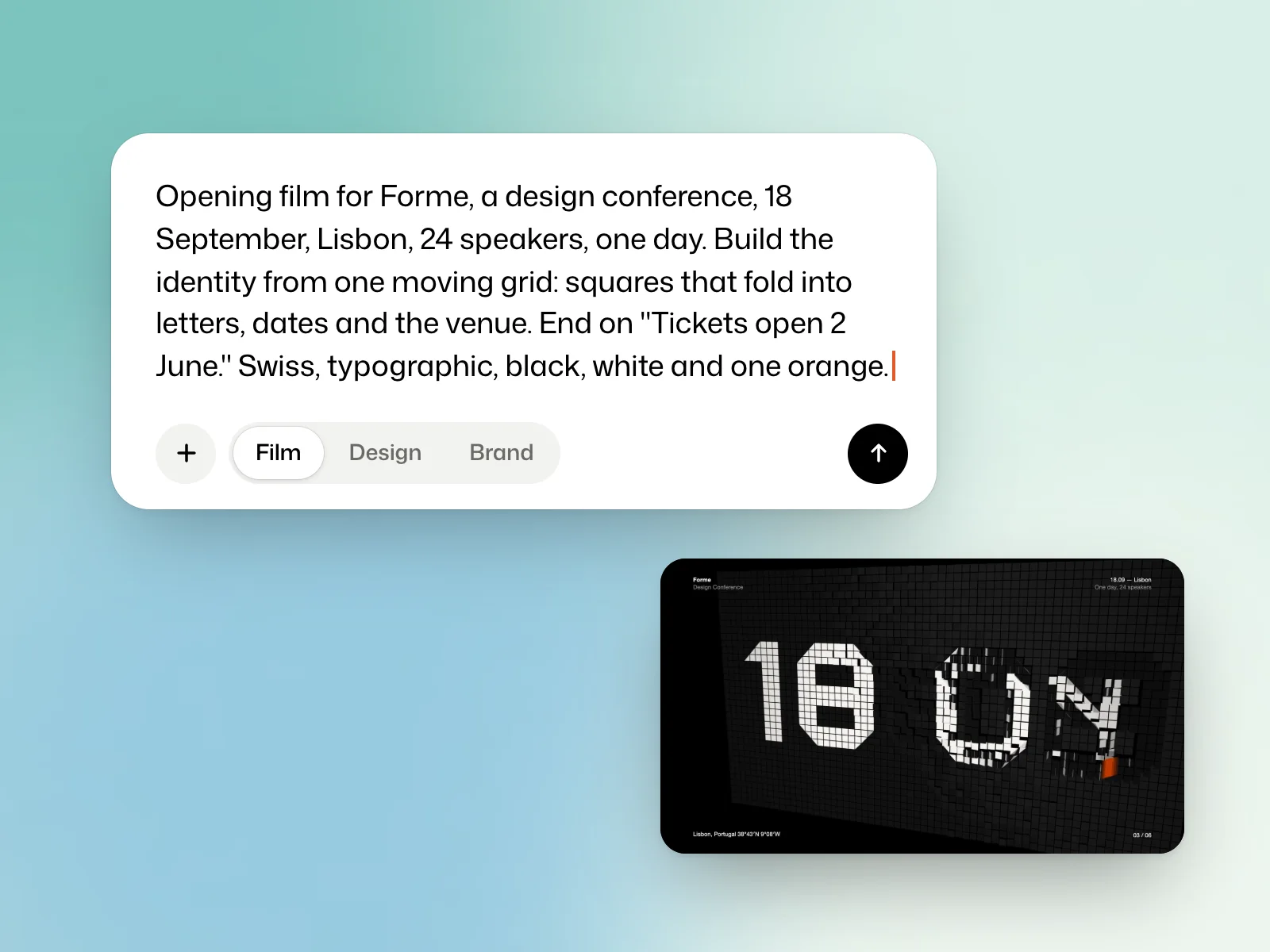
Example brief
Opening film for Forme, a design conference, 18 September, Lisbon, 24 speakers, one day. Build the identity from one moving grid: squares that fold into letters, dates and the venue. End on "Tickets open 2 June." Swiss, typographic, black, white and one orange.
Create an account
On Sign up, give an email address and a password of at least eight characters, or choose Sign up with Google. A link sent by email confirms your address. Disposable addresses are refused.
Your account gets 5,000 welcome credits, to spend on films, brands, logos or designs. Kinory opens one account per person.
Set up the studio
Set up your studio takes three steps: About you, Your workspace, where you name your workspace and invite colleagues, and Your films. Open the studio then takes you to the home page.
Send a first brief
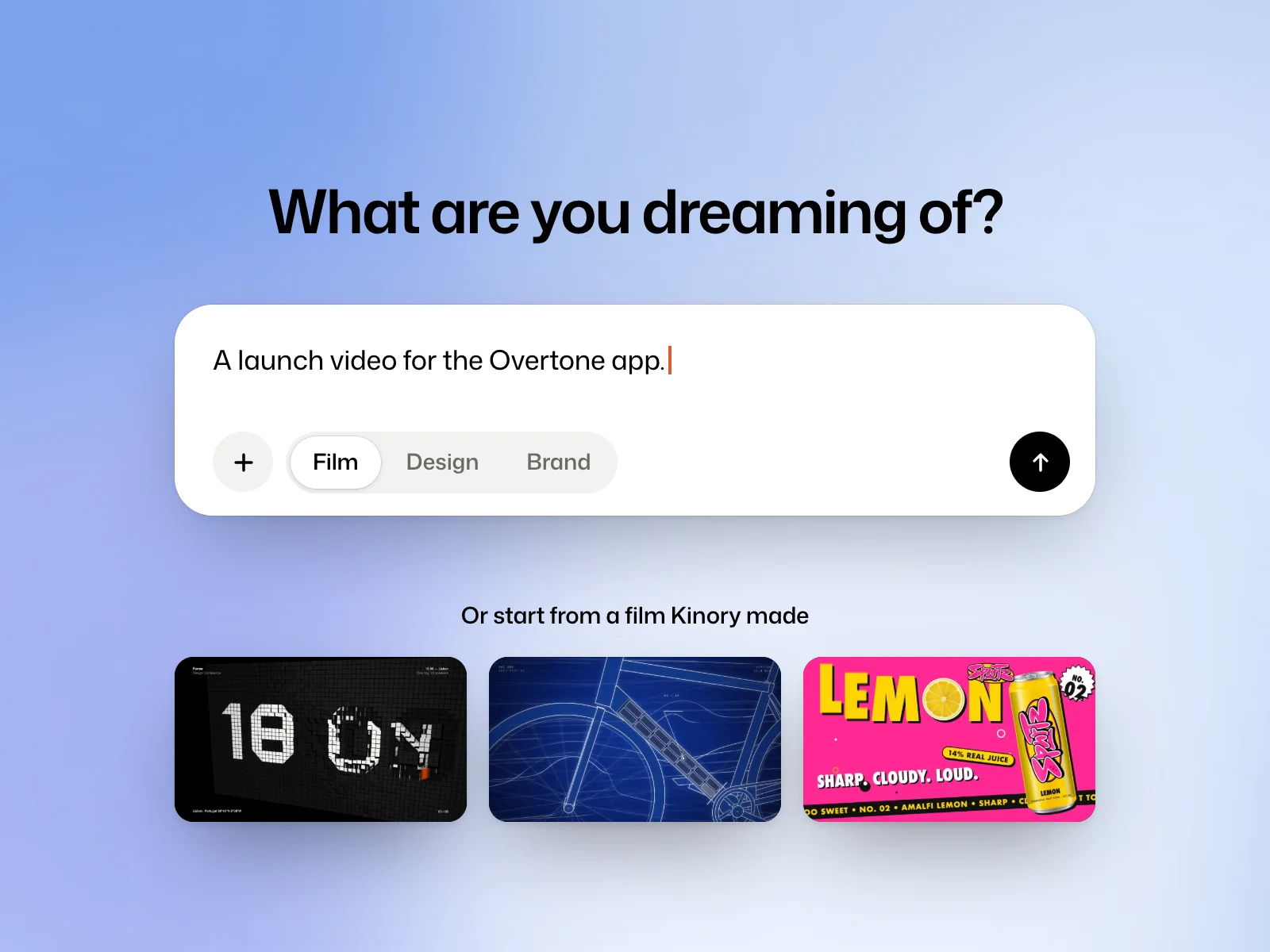
On the home page, choose Film, Design or Brand. Write what you want to make, attach any files with +, then send with the arrow.
Kinory reads your request and your files, asks a question when a choice is yours to make, then makes the work and shows it to you. You reply to change whatever needs changing.
Under the field, Or start from a film Kinory made offers existing films. Open one, and its request lands in the field, ready to adapt.
Find your work
The side rail leads to Create and Explore, then to your library: Films, Designs, Brands, Logos and Assets, which gathers the pictures and videos you gave your films. Recent work follows under Recent.
Search opens with ⌘K, or Ctrl+K, and finds your work, the studio’s pages and its actions. The ? key shows the keyboard shortcuts.
Try it yourself
Draft a one-sentence brief on the home page and choose the project type. If you send it, reopen the resulting project from the matching library section.
 Read nextWrite a briefDescribe the deliverable, include the exact copy and show the visual direction you want.