Kinory Academy
Hands-on guides for making films, brand identities, logos and graphics in Kinory Studio.
What do you want to make?
Follow an example, then adapt it to your own project.
Choose the format, duration and sound for your first motion design video.
Read the guideBrief an identity, compare logo proposals and choose the files your brand needs.
Read the guideExplore directions, choose a vector logo and export it for use.
Read the guideBrief a poster, post or carousel and adapt the layout to other formats.
Read the guide
All guides
18 guides
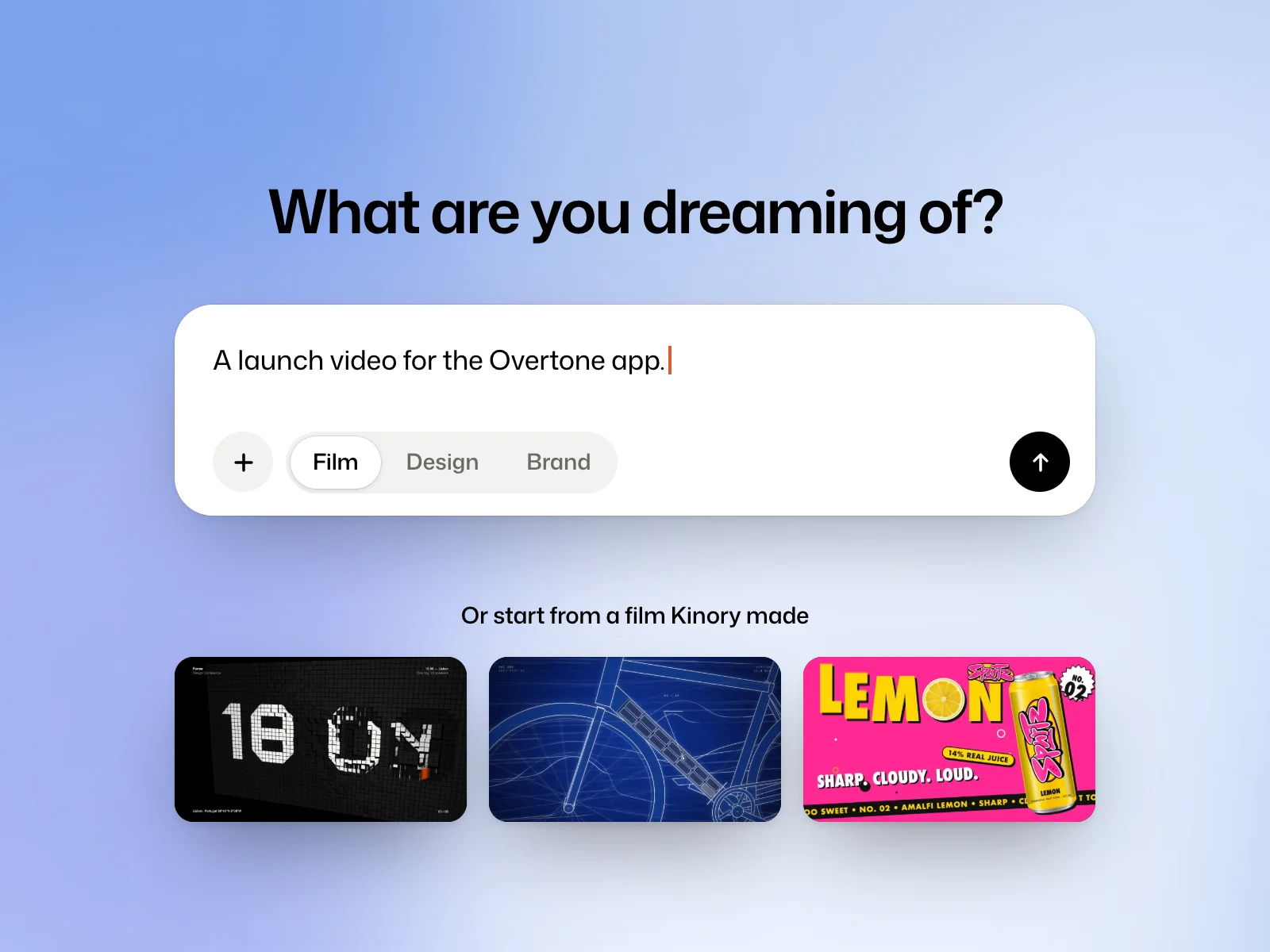 Getting startedSet up Kinory StudioCreate an account, send your first brief and find the project again.
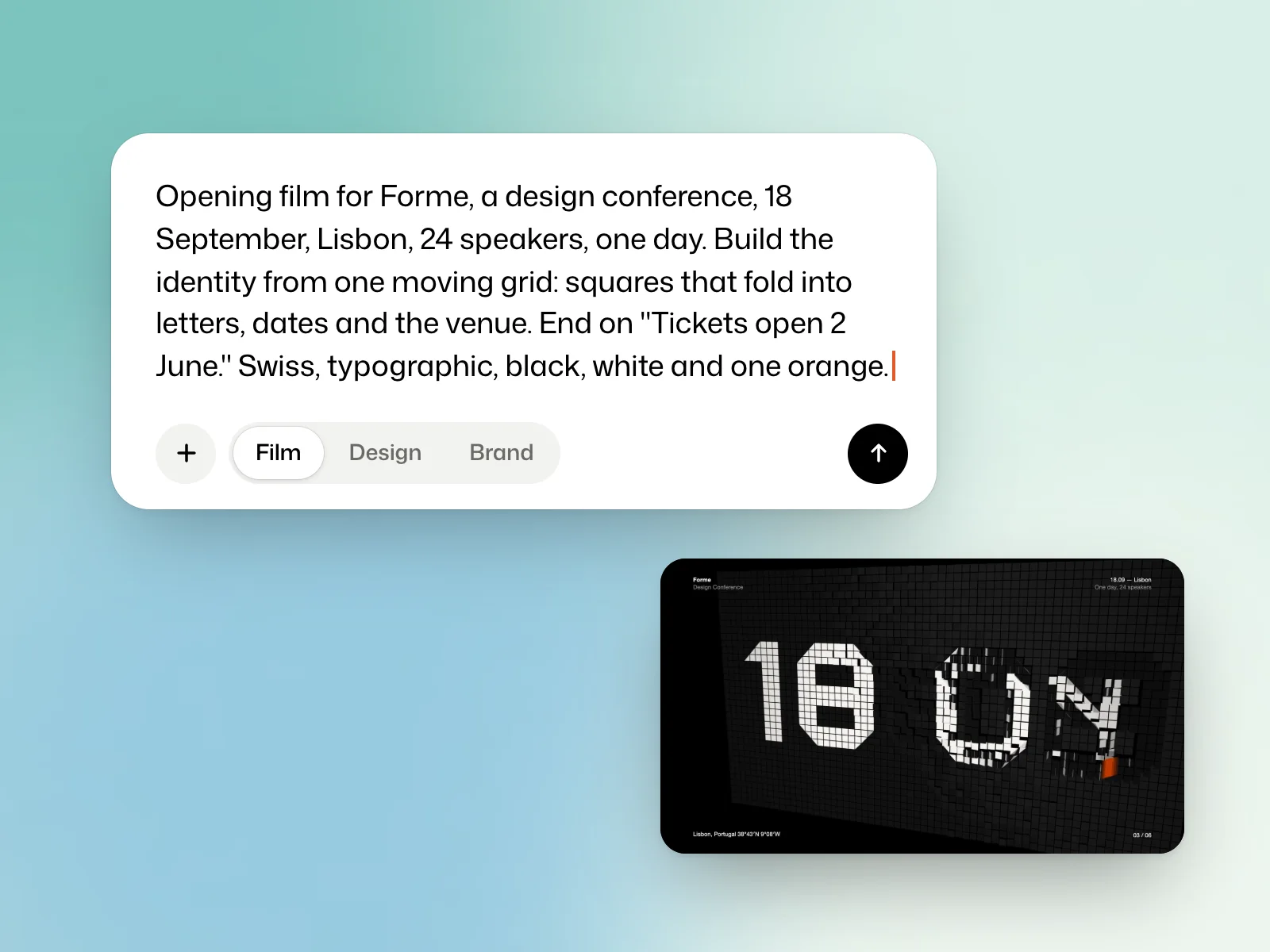 Getting startedWrite a briefDescribe the deliverable, include the exact copy and show the visual direction you want.
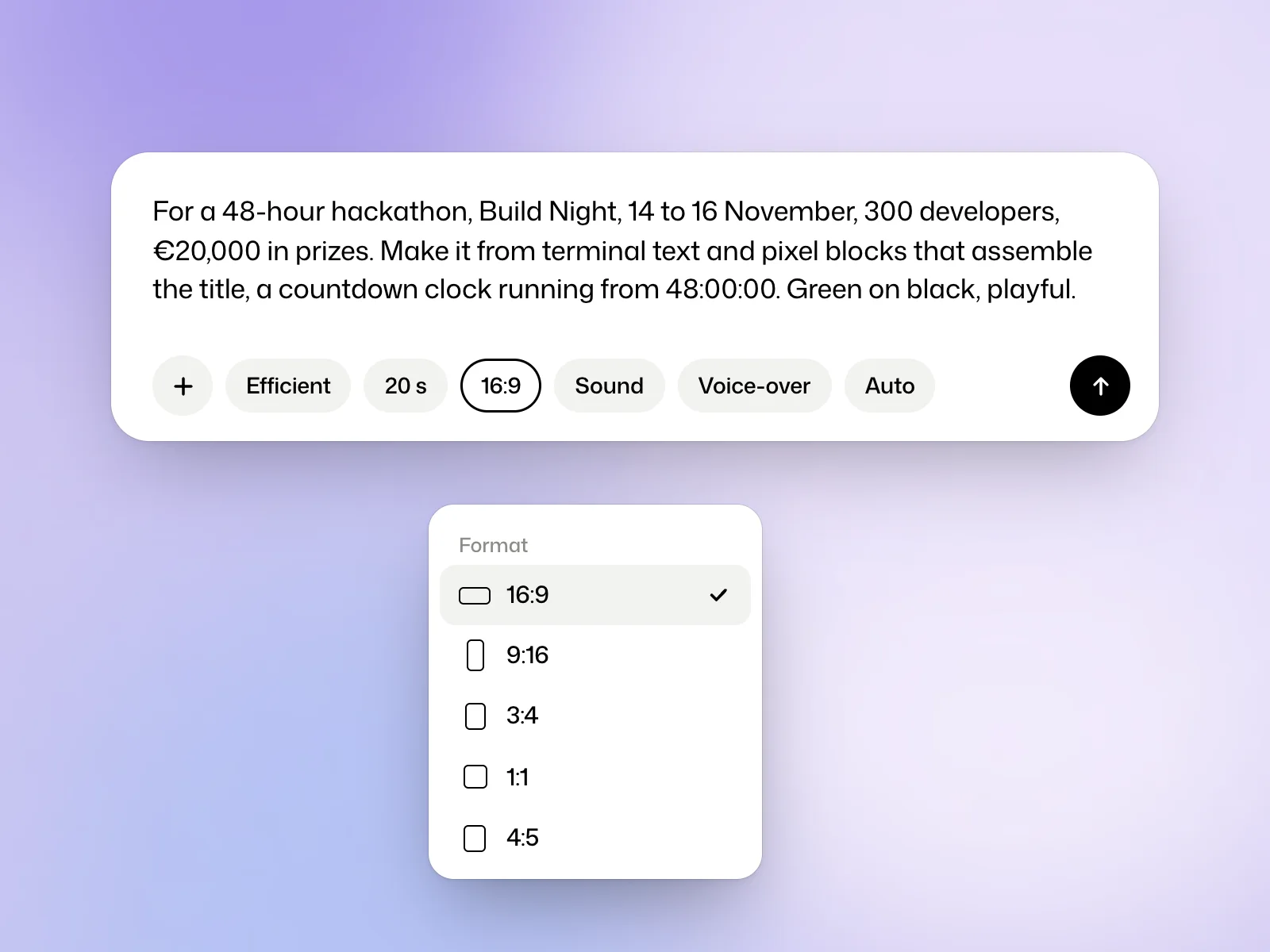 FilmsMake a filmChoose the format, duration and sound for your first motion design video.
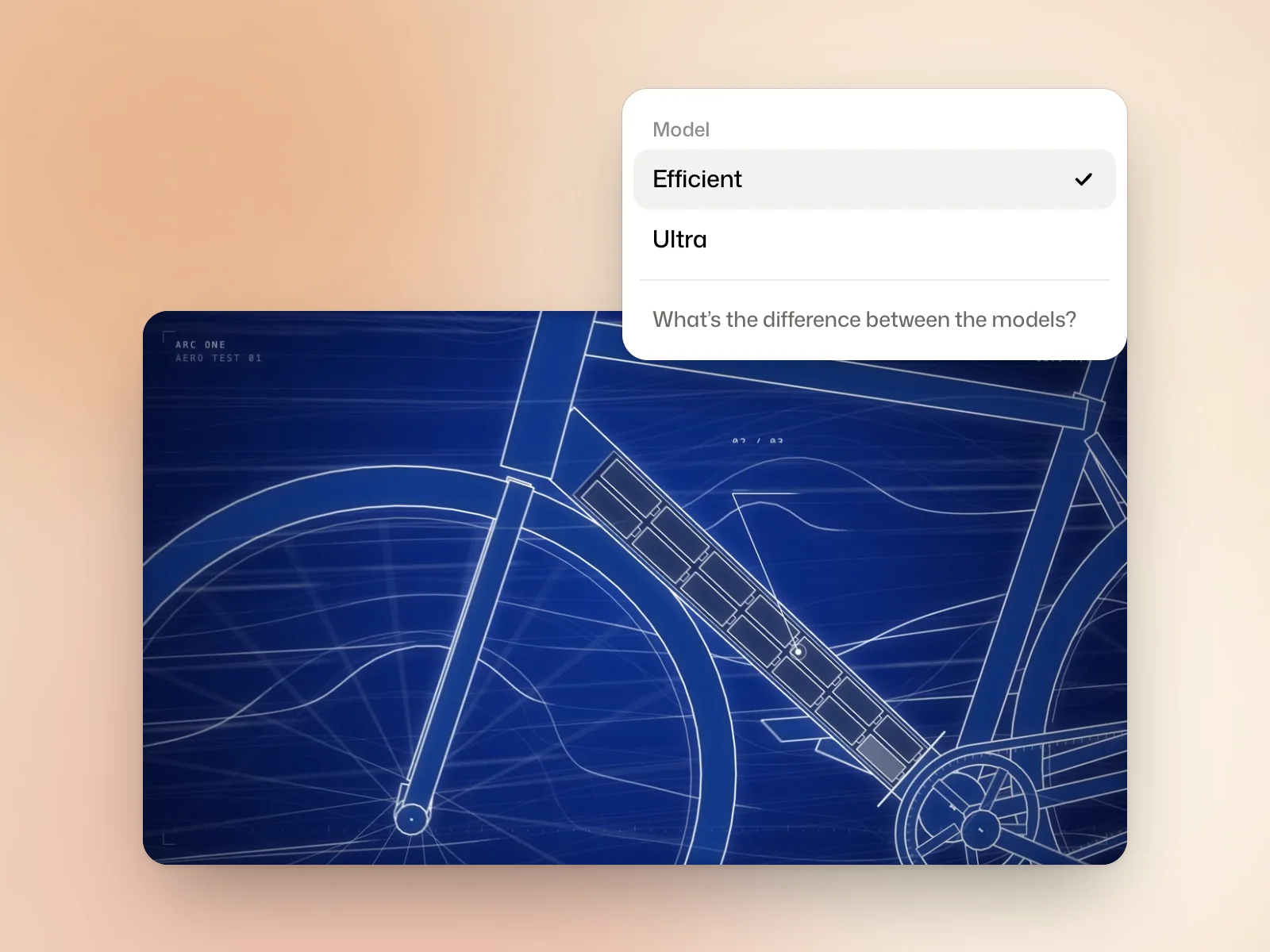 FilmsChoose between Efficient and UltraPick a film model based on the stage of your project, the time available and your credit budget.
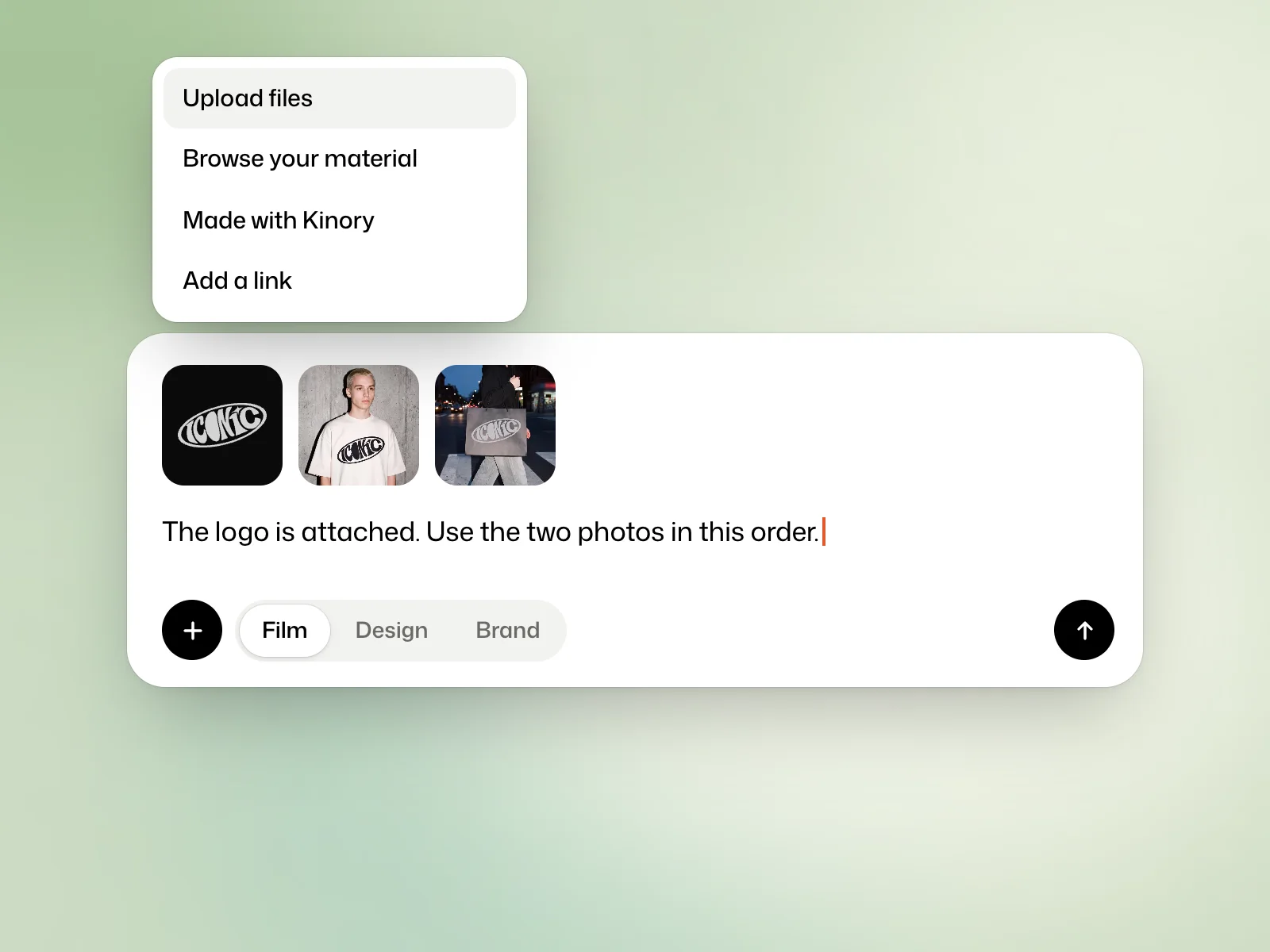 FilmsAttach files to a filmAdd your logo, footage or other references and explain how to use each file.
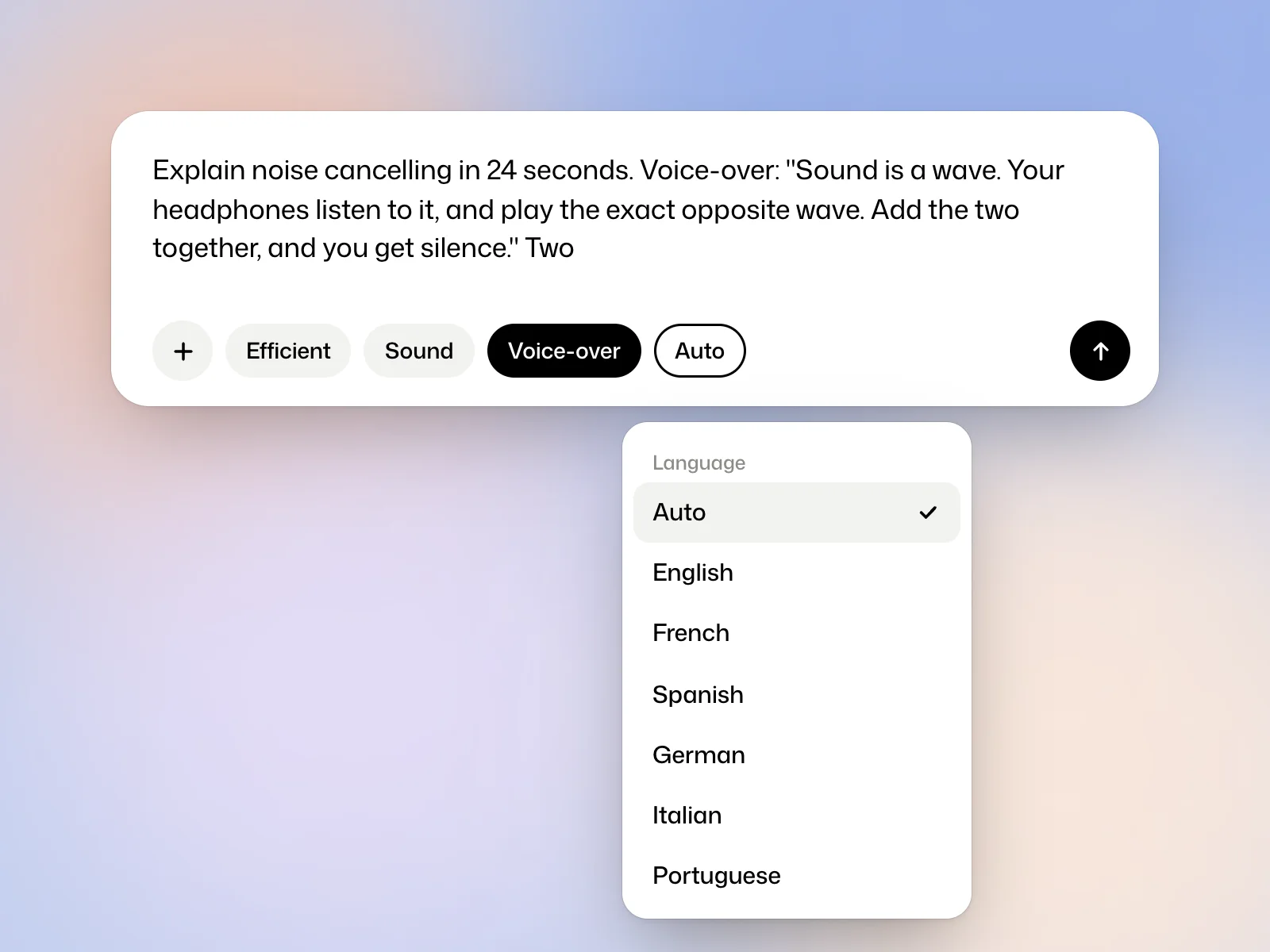 FilmsAdd a voice-overSet the language, provide a script and give direction for the delivery.
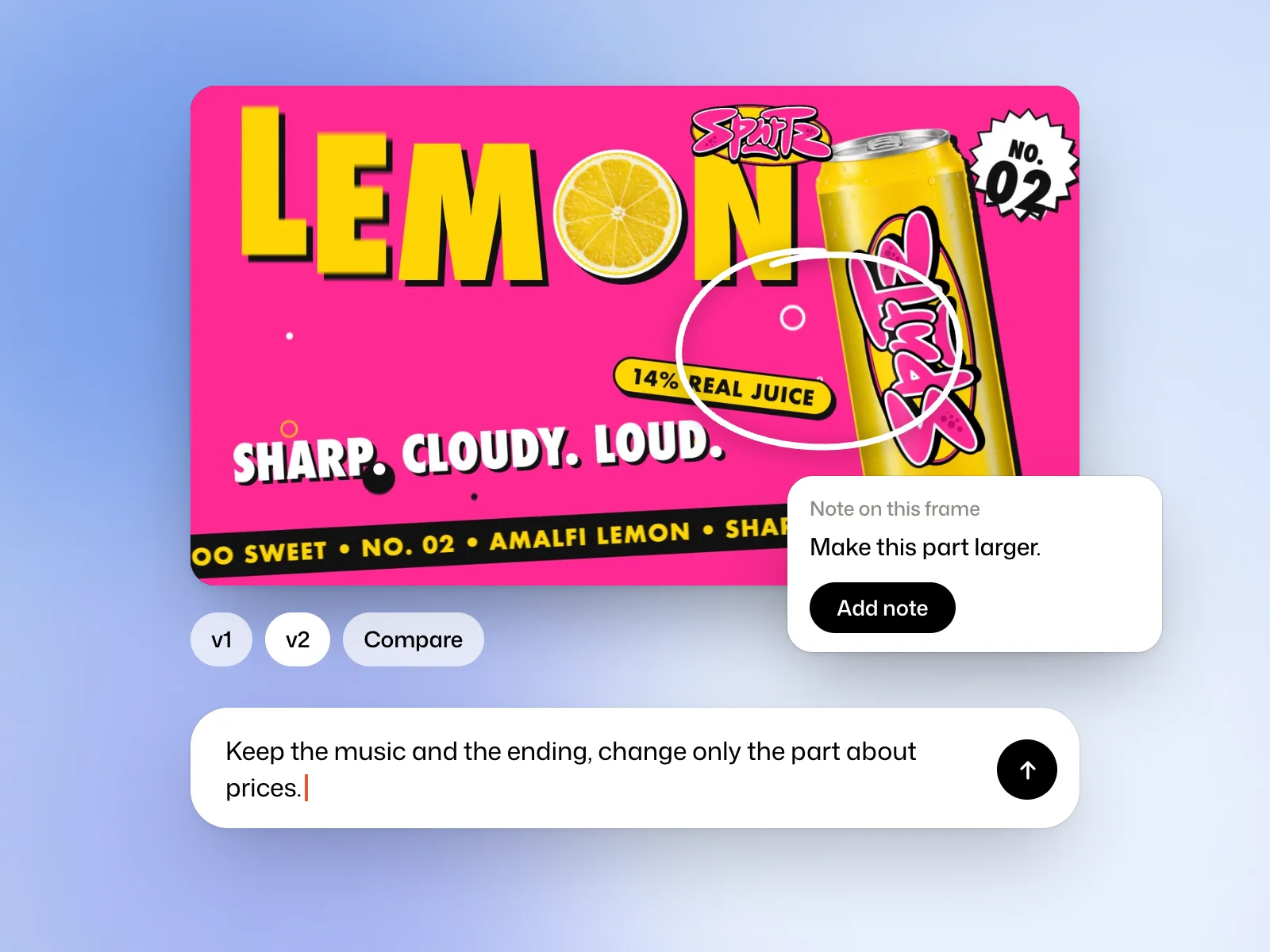 FilmsRevise a filmAsk for a targeted edit, pin feedback to a frame and compare versions.
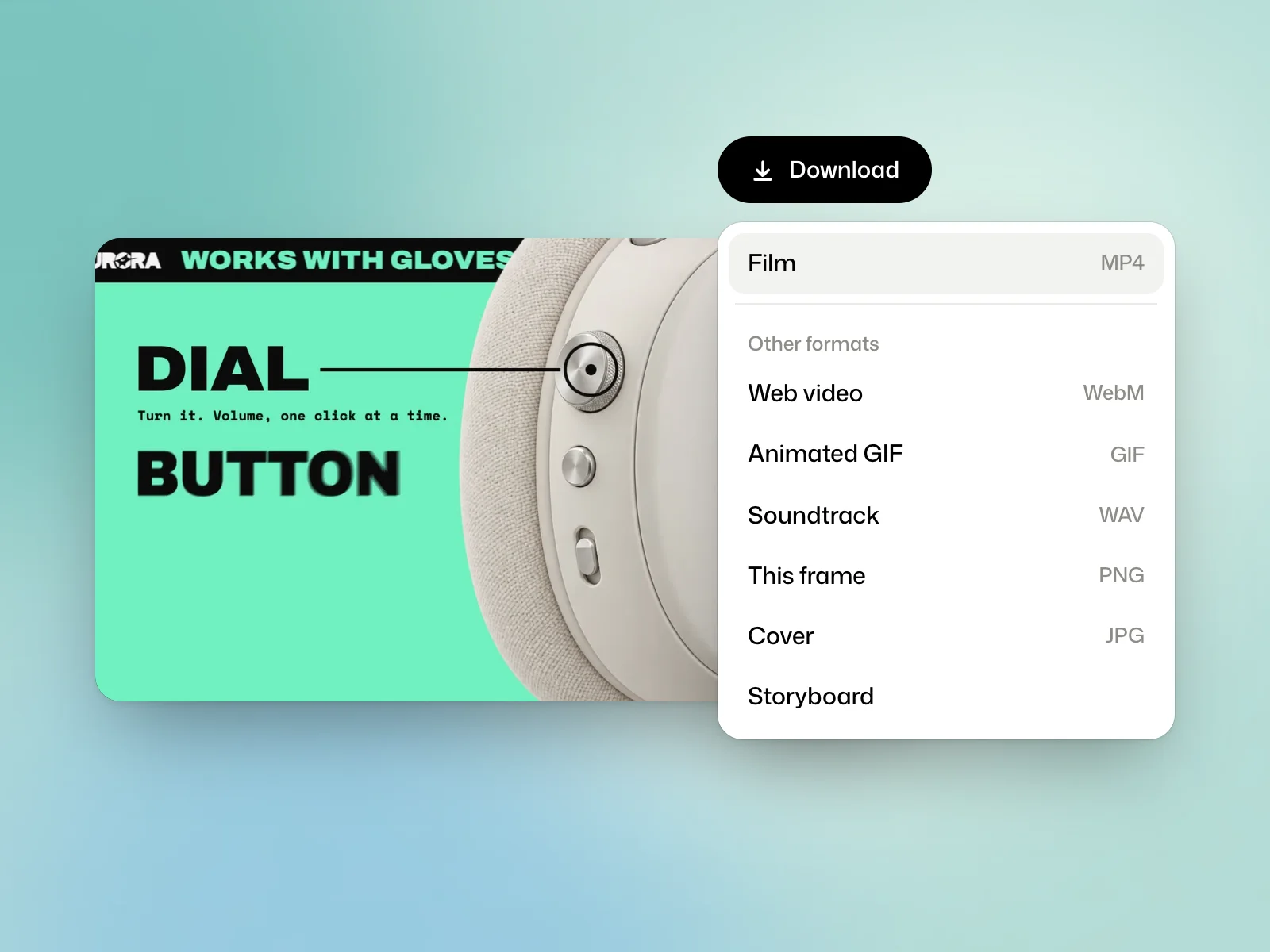 FilmsExport a filmDownload an MP4, save a frame or prepare a storyboard for review.
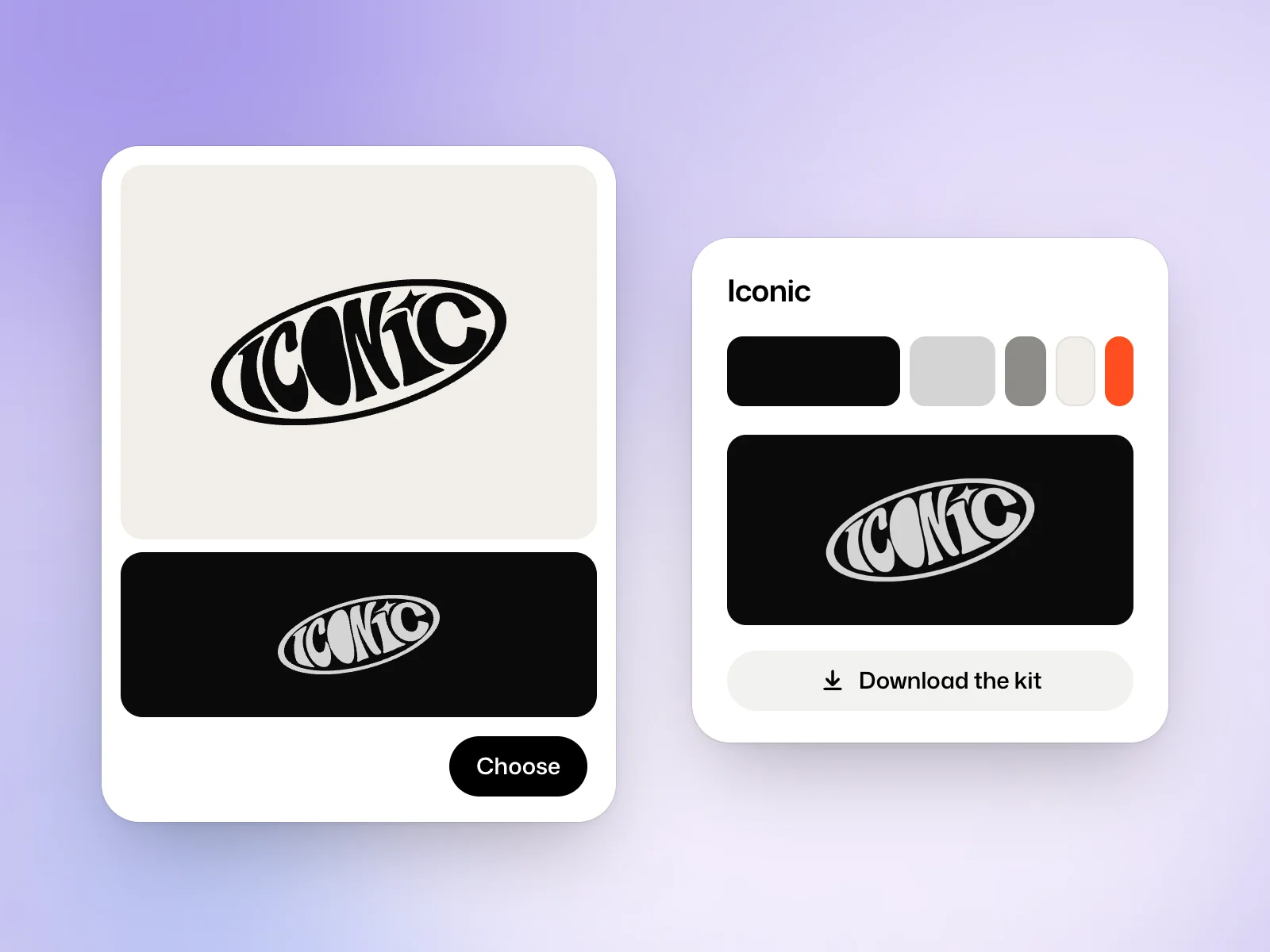 BrandsCreate a brand identityBrief an identity, compare logo proposals and choose the files your brand needs.
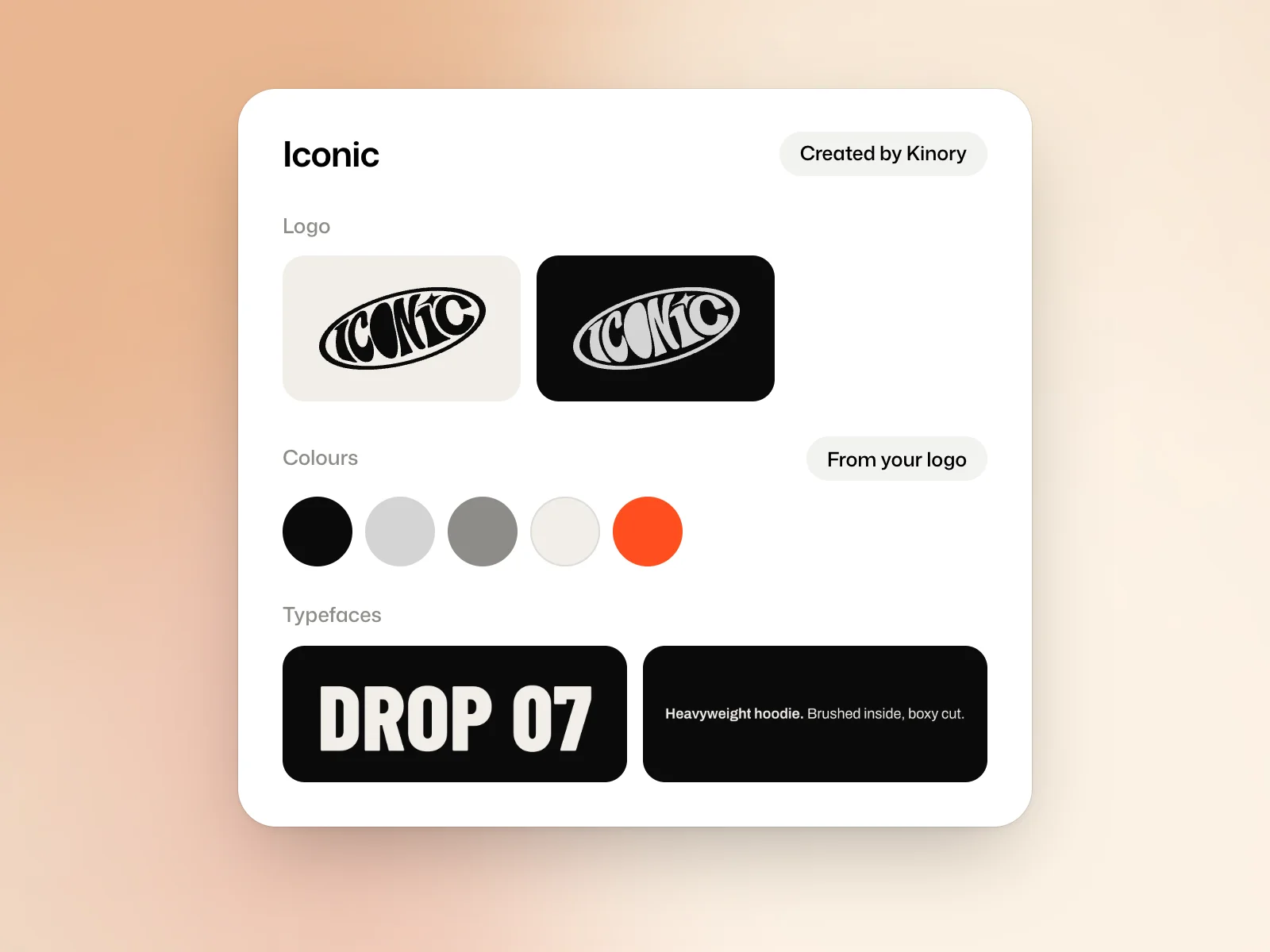 BrandsUse a brand kitSave your logo, colours and fonts, then apply them to a new film or design.
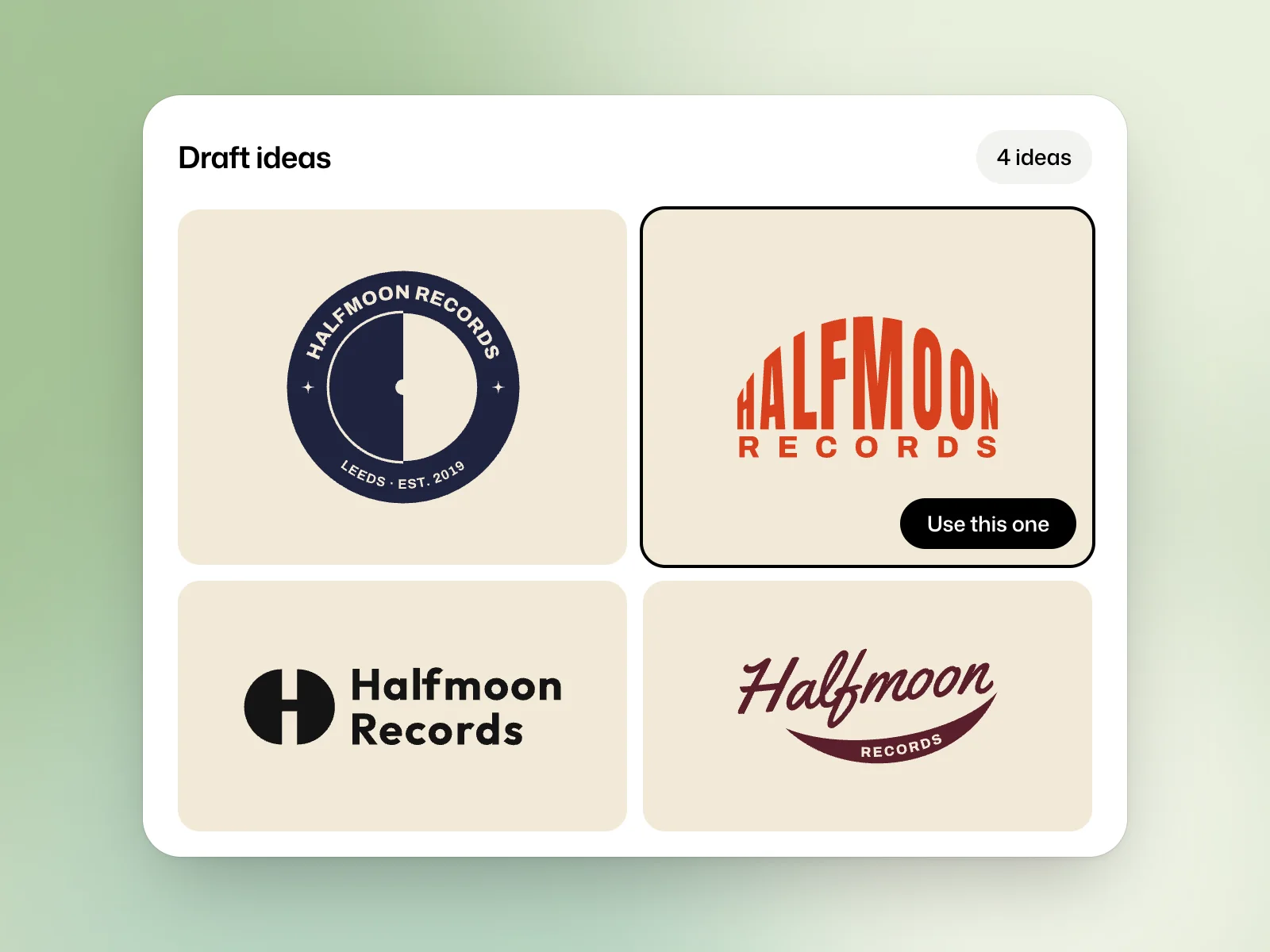 LogosCreate a logoExplore directions, choose a vector logo and export it for use.
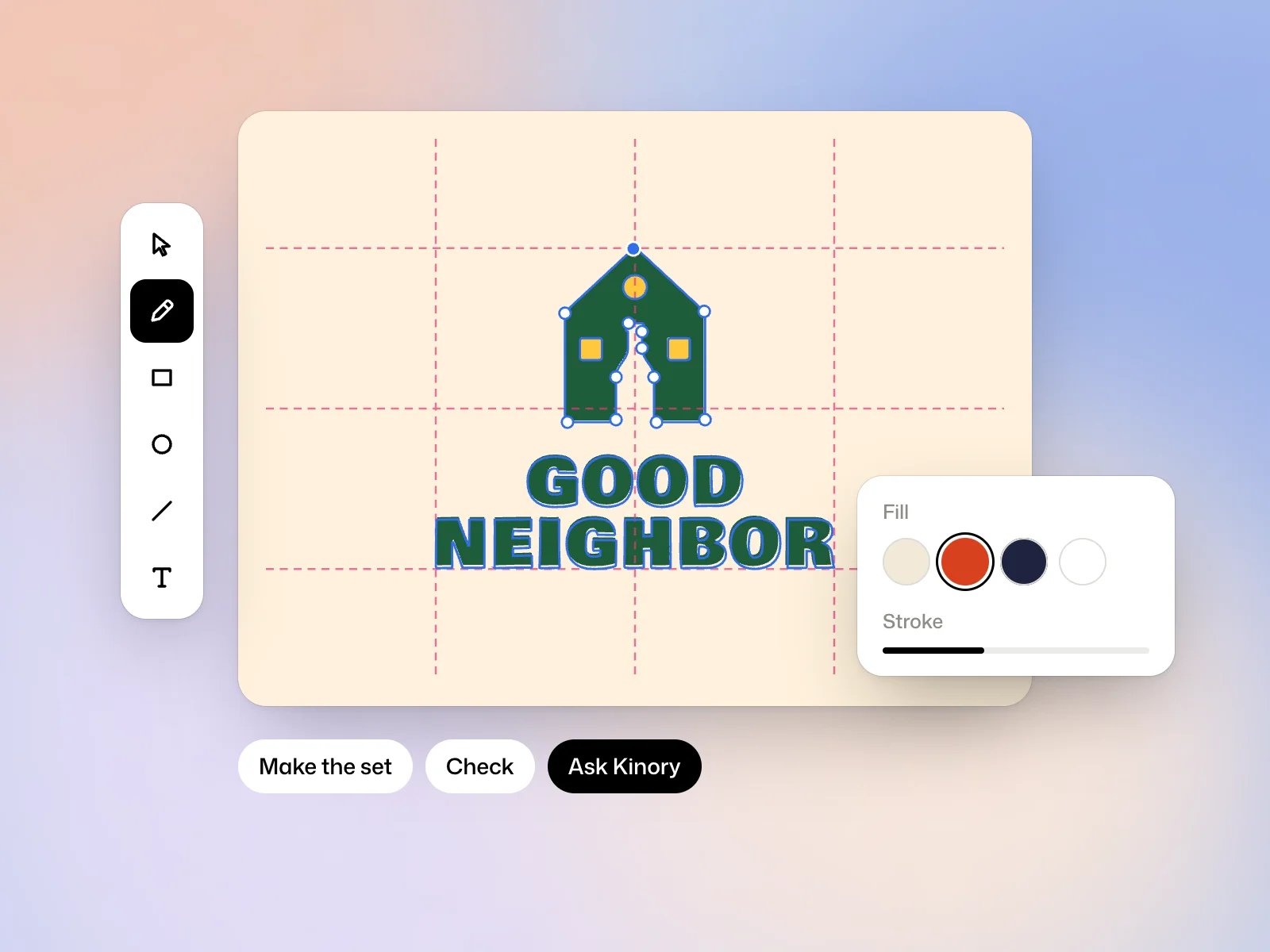 LogosRefine a logo in the vector editorAdjust paths, make logo variants and check the result before export.
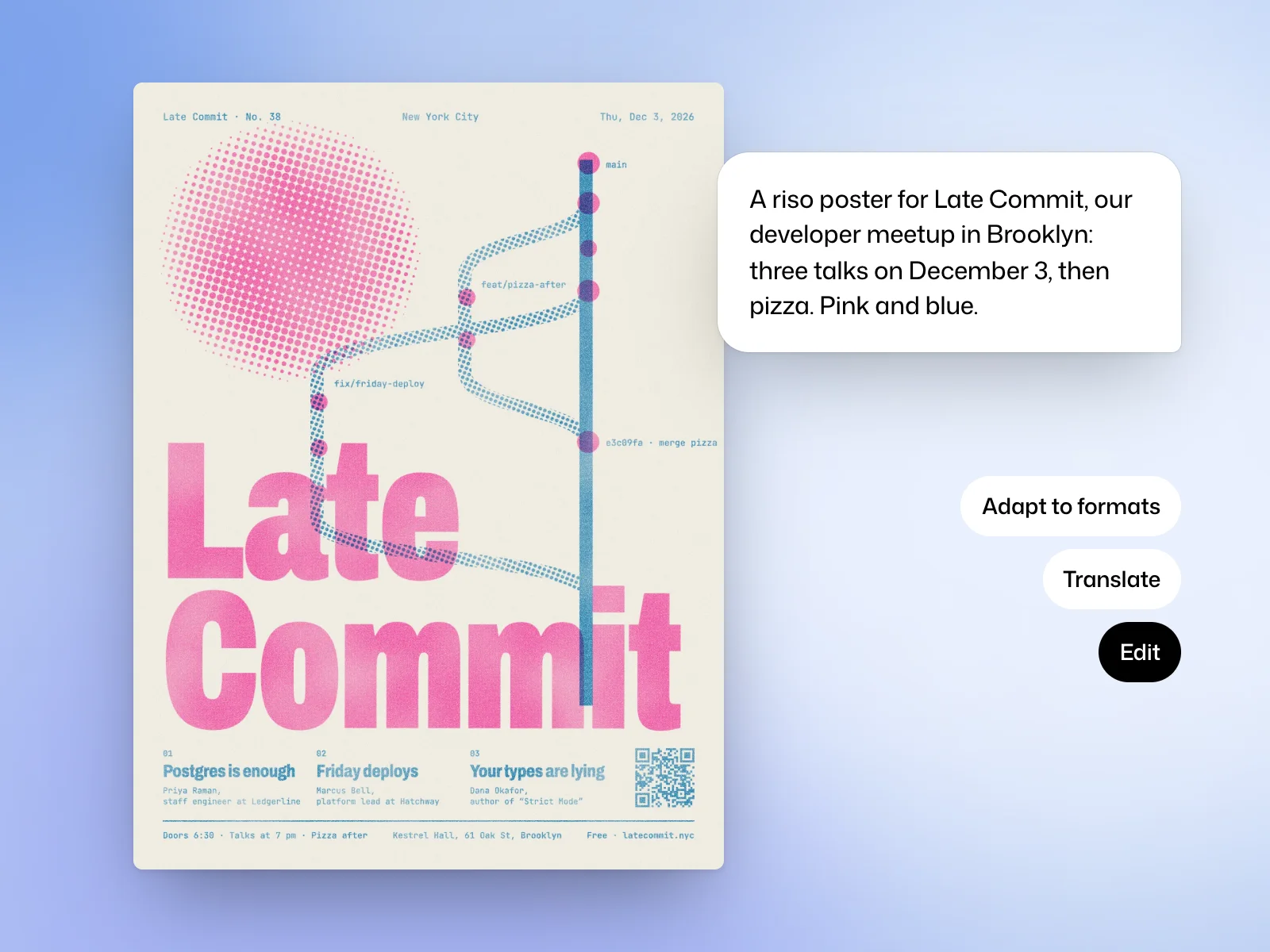 DesignsMake a graphic designBrief a poster, post or carousel and adapt the layout to other formats.
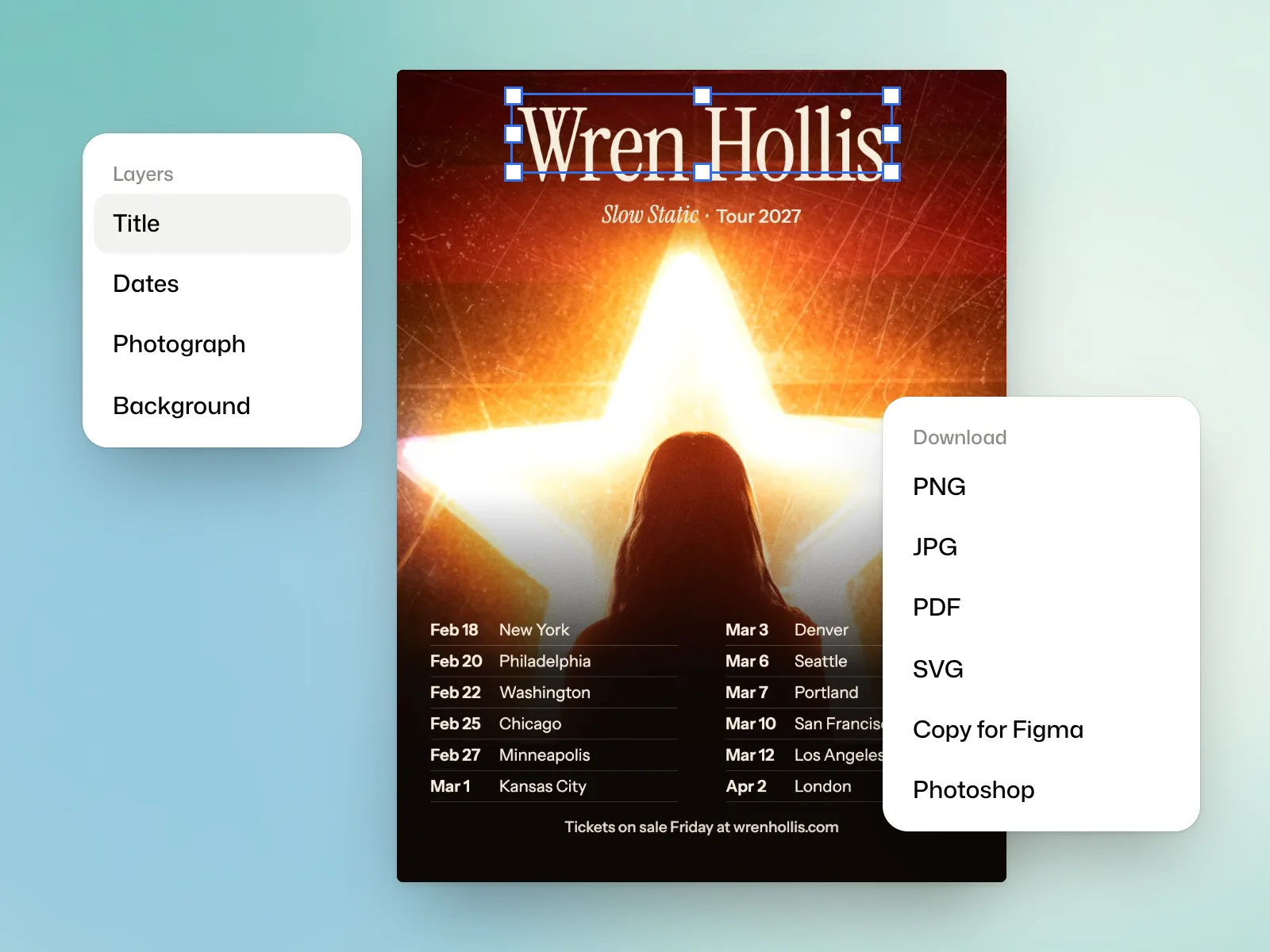 DesignsEdit and export a designAdjust text and images by layer, then choose an export for web, print or further editing.
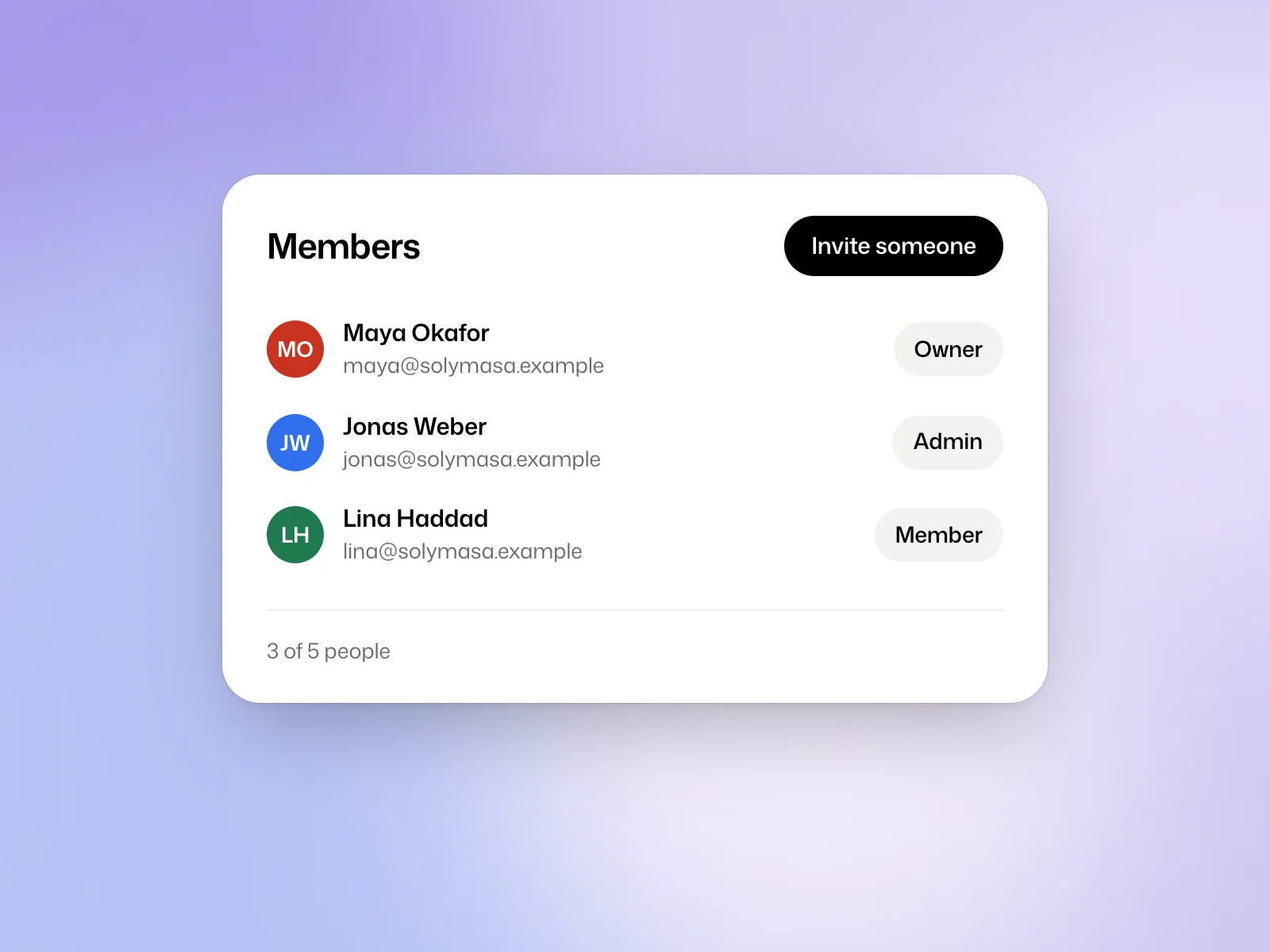 CollaborationSet up a team workspaceInvite teammates, choose their roles and see who pays for work in the workspace.
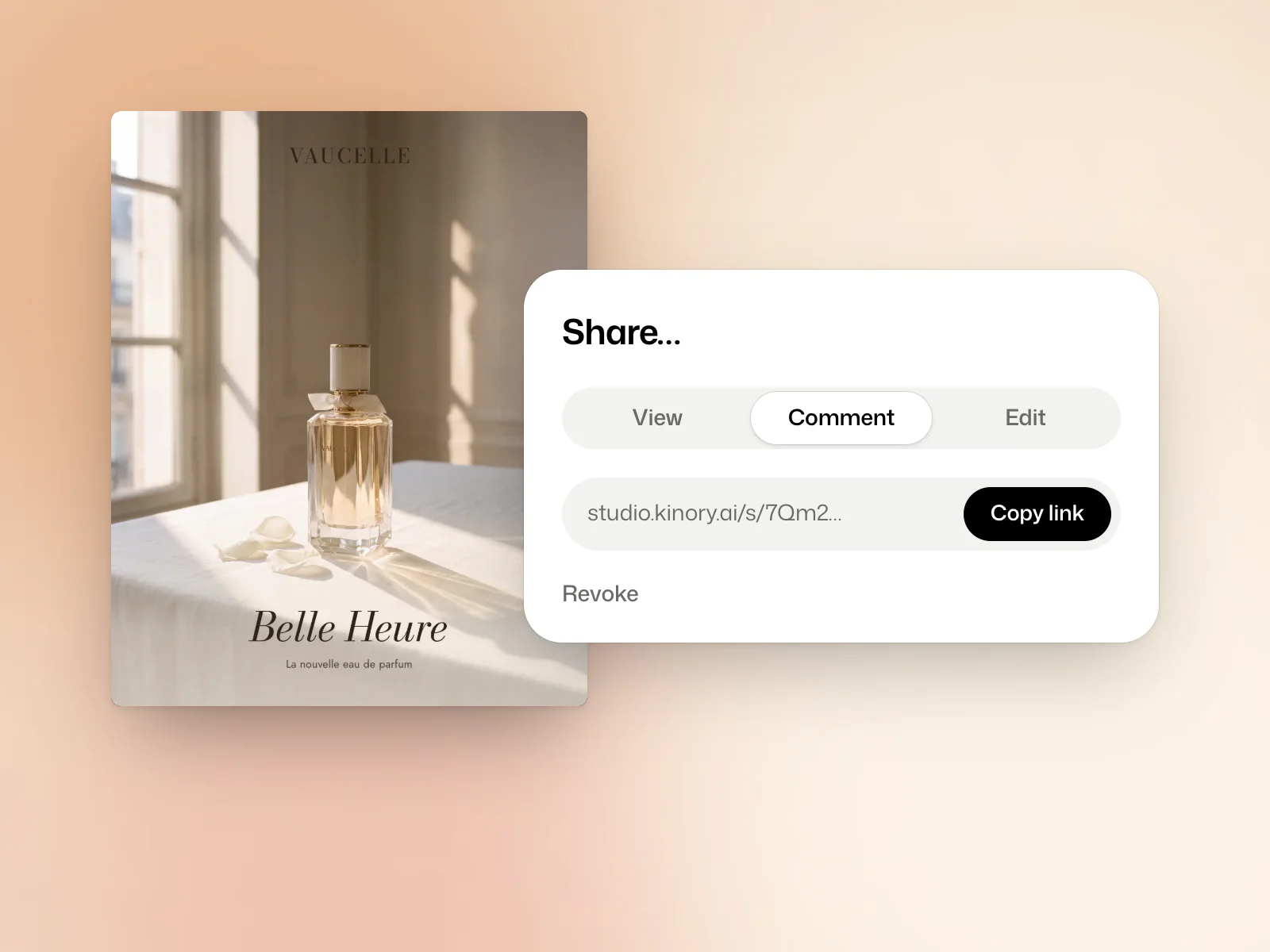 CollaborationShare a project for reviewChoose a viewing, commenting or editing link and revoke it when the review is over.
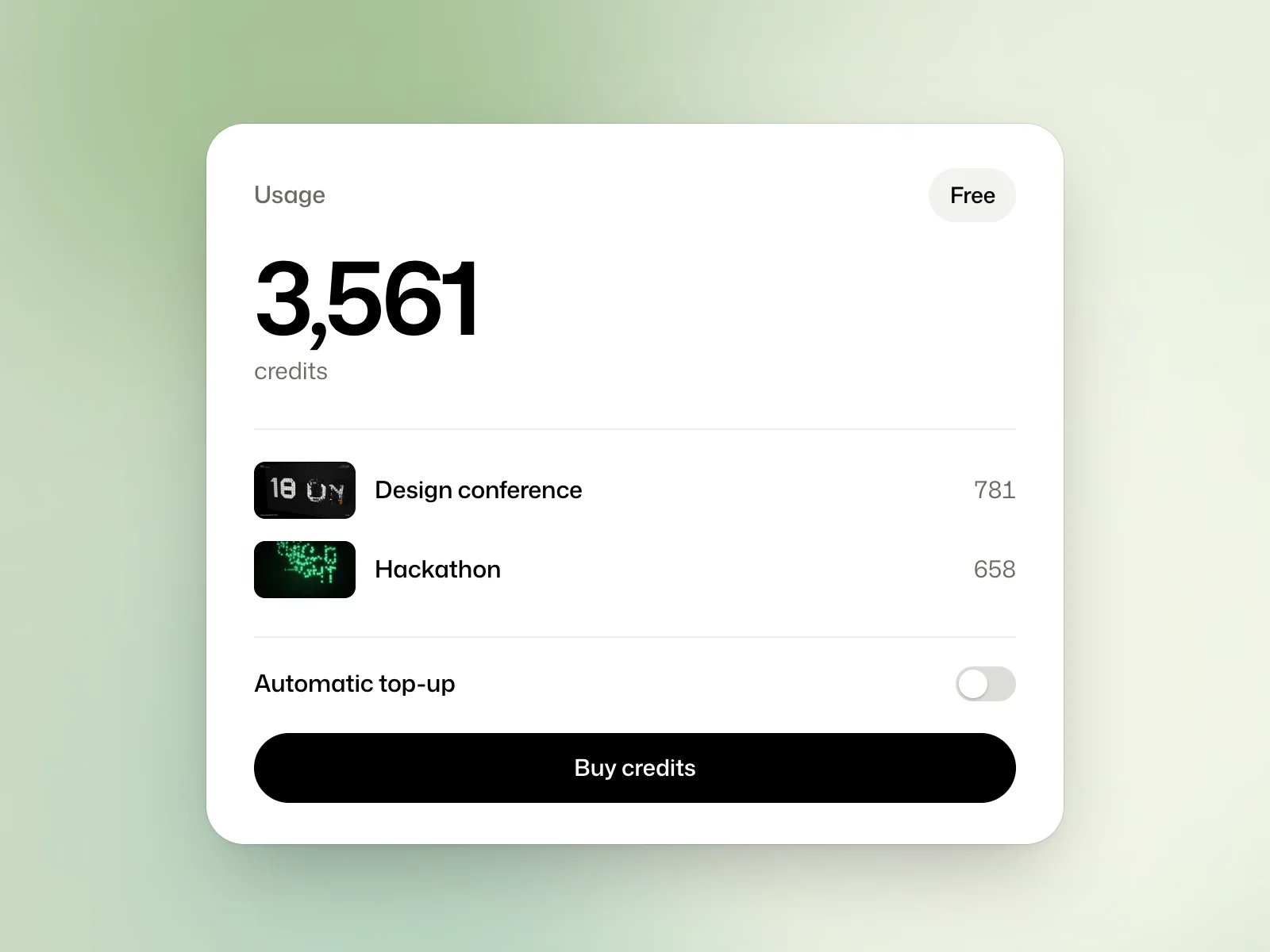 Account and creditsManage credits and plansFind your balance, check what a project used and manage credit top-ups.
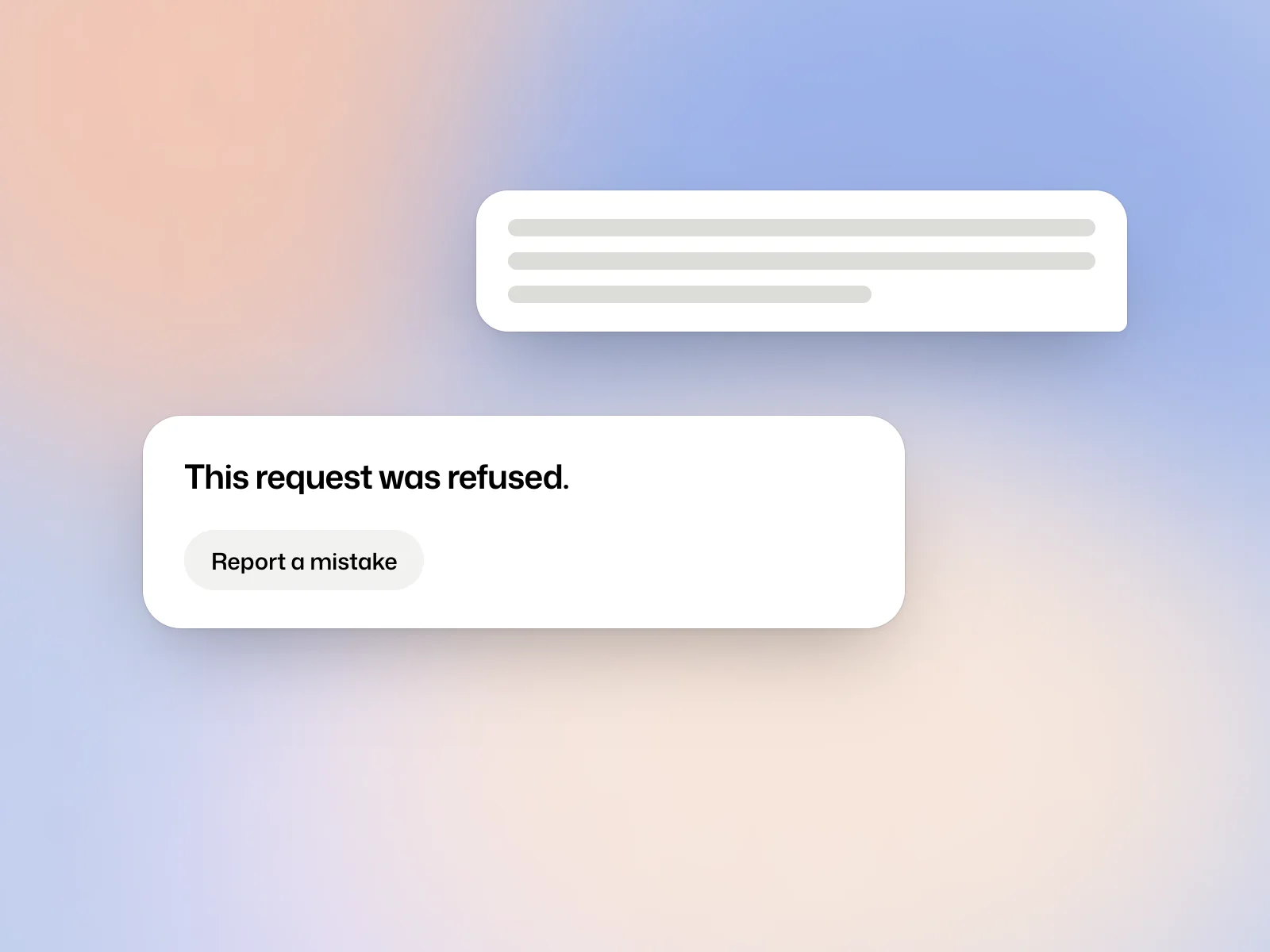 Account and creditsPrivacy and acceptable useCheck how files are handled, how long projects are kept and how to report a refused request.