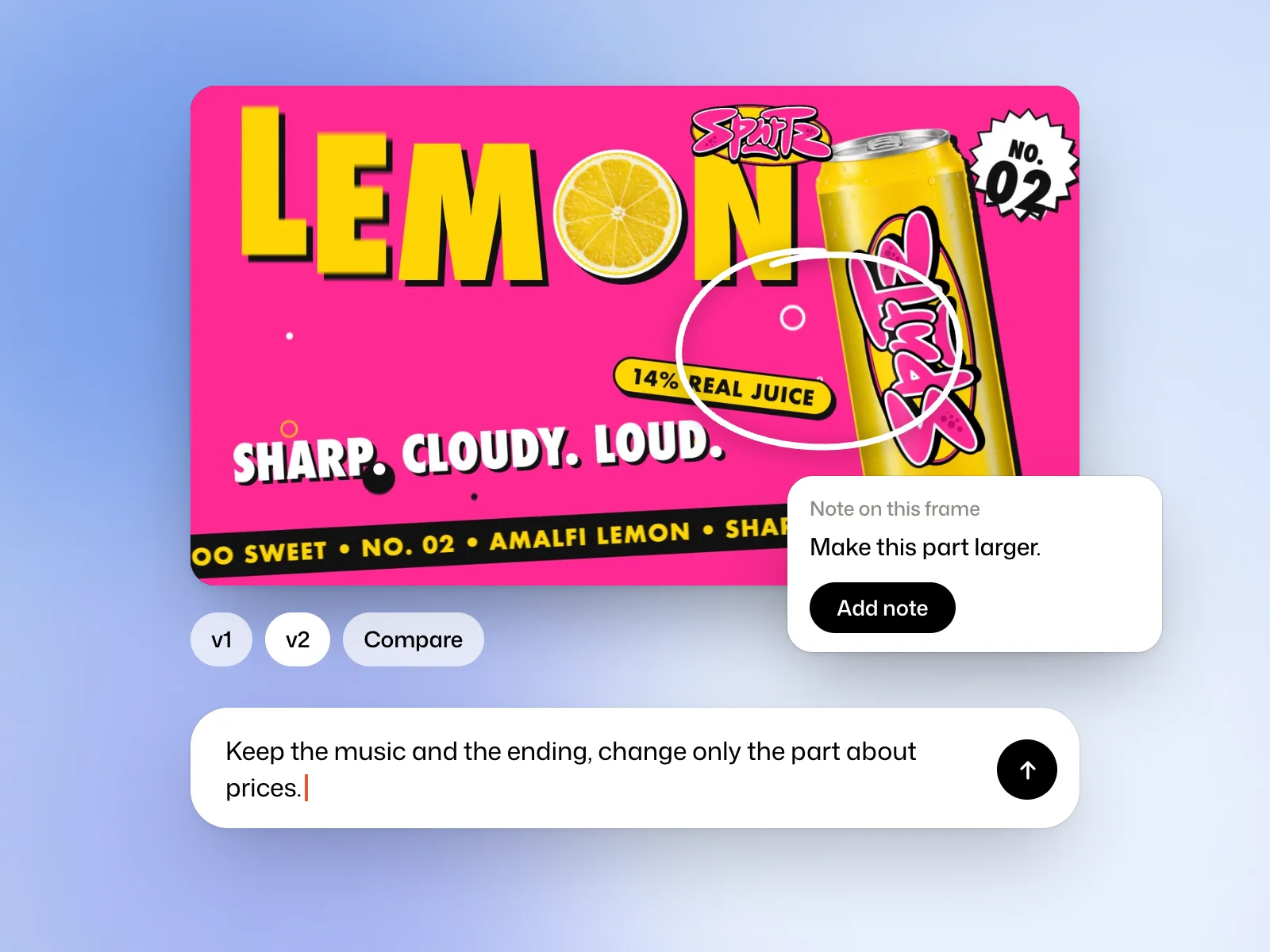
Reply under the film
Write what should change in the Reply or ask for a change… field, and attach files if needed. Kinory may answer with a question before it starts.
Say what must stay, too: “keep the music and the ending, change only the part about prices”.
Leave a note on a frame
Note on this frame, or the N key, opens notes on the frame. Pause the film, circle or tap what should change, write your remark, then Add note. Notes go with your next reply.
Compare versions
Versions line up under the player, and the conversation marks each delivery. Compare puts two versions over each other with Wipe, or next to each other with Side by side. Every version stays available and can be downloaded.
Refine an Efficient draft with Ultra
Under a film made with Efficient, Polish it with Ultra hands the film to the Ultra model, which delivers a new version. It uses more credits than a change made with Efficient.
Estimating costs
A change is billed the credits it used, like a film. No plan limits how many you make. A change that fails is not billed, and Try again starts it again.
Try it yourself
Pause the film where a caption is hard to read. Add a note asking for one change, such as a darker background. Compare the versions and check the same moment at playback speed.
More examples
Say what must stay
Keep the music and the ending, change only the part about prices.
Change the voice
Same text, a deeper voice.
Change a line
Replace the last sentence with “Tickets open 2 June.”
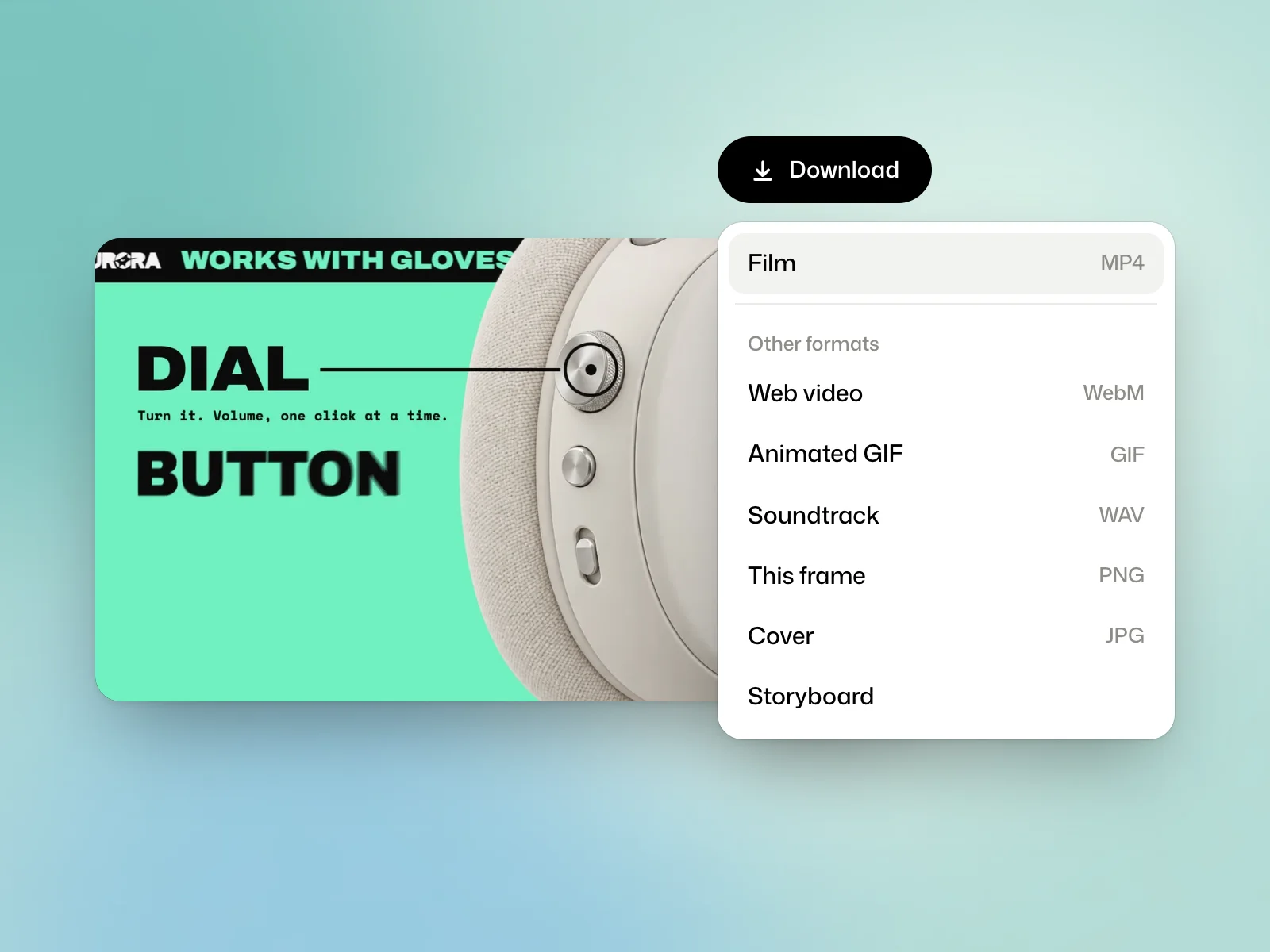 Read nextExport a filmDownload an MP4, save a frame or prepare a storyboard for review.