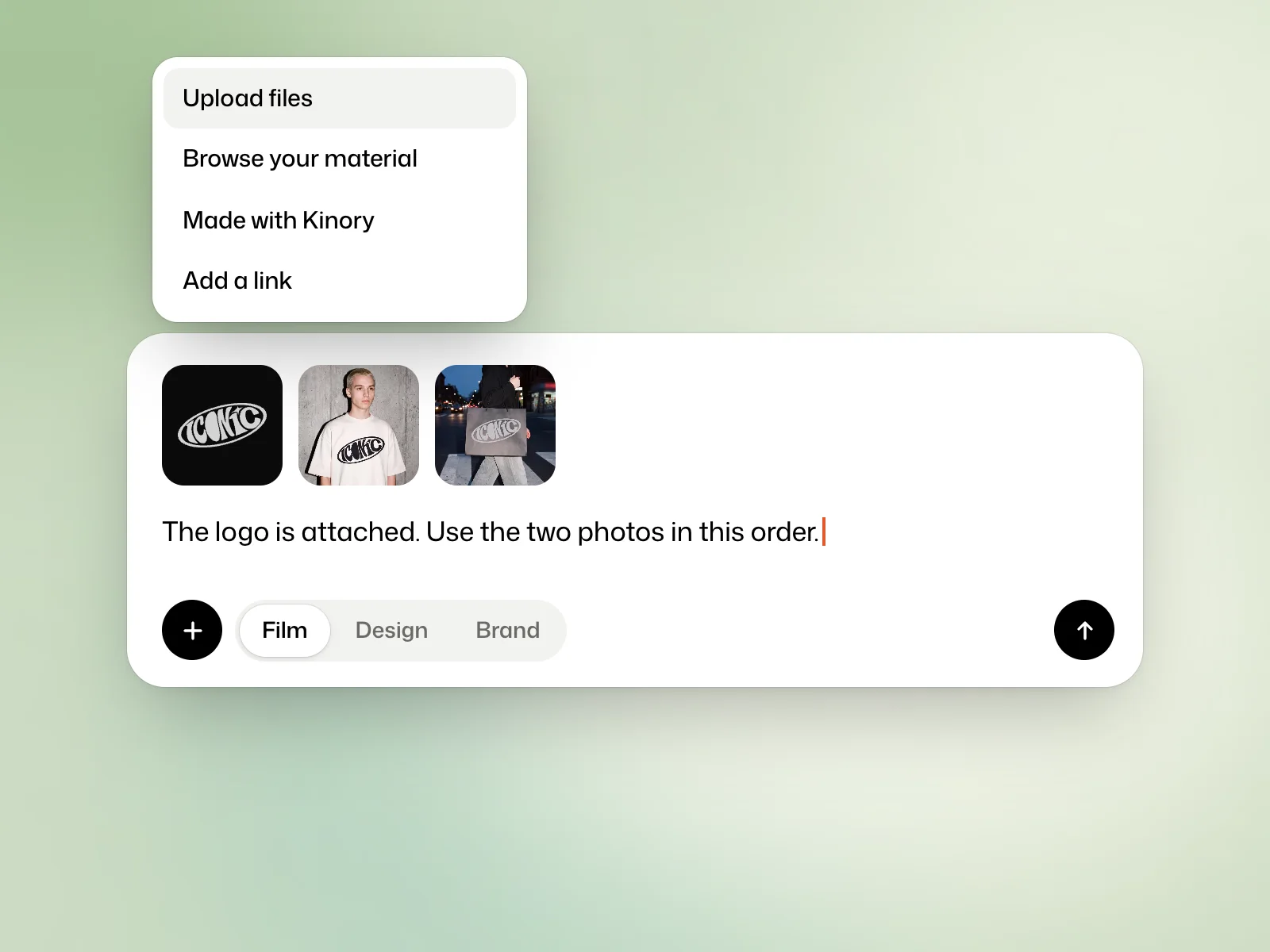
Accepted files
- Pictures, videos and sounds, in the usual formats, and SVG files.
- Fonts as .ttf, .otf, .woff and .woff2.
- Documents: PDF, Markdown, text, JSON, CSV, Word, PowerPoint, Excel, Keynote, Pages and Numbers.
Add your files
Drop your files on the request field or paste them. Each file can weigh up to 2 GB.
The + menu also offers Upload files, Browse your material, which brings back files you gave to earlier films, Made with Kinory, which gives the film a brand, a logo, a design or another film from your workspace, and Add a link.
Name the file and how to use it
Refer to filenames when you attach several items. For example, ask Kinory to use logo.svg on the end card and show dashboard.png before checkout.png. Supply an SVG or transparent PNG when the logo needs to sit over a background.
The simplest way for a brand
If you make several films for the same brand, save its logo, colours and typefaces in a brand kit. You then choose it under the request, with nothing to attach again. A kit can be filled from your website’s address.
Missing pictures
Kinory can look for a photo or a video in a royalty-free library, and keeps its credit. It can also make a picture, starting from your own pictures if needed, such as your logo or your product.
Privacy
Your files are used for your own work only and are never shared with other customers. They are kept as long as the film, because changes need them, and deleted with it.
Try it yourself
Attach a logo and a reference image. Tell Kinory to use the logo on the end card and take only the colours from the reference image. Check both instructions in the preview.
More examples
A logo
The logo is attached.
Screenshots
Use the three screenshots in this order.
A video
The video is the background.
 Read nextMake a filmChoose the format, duration and sound for your first motion design video.