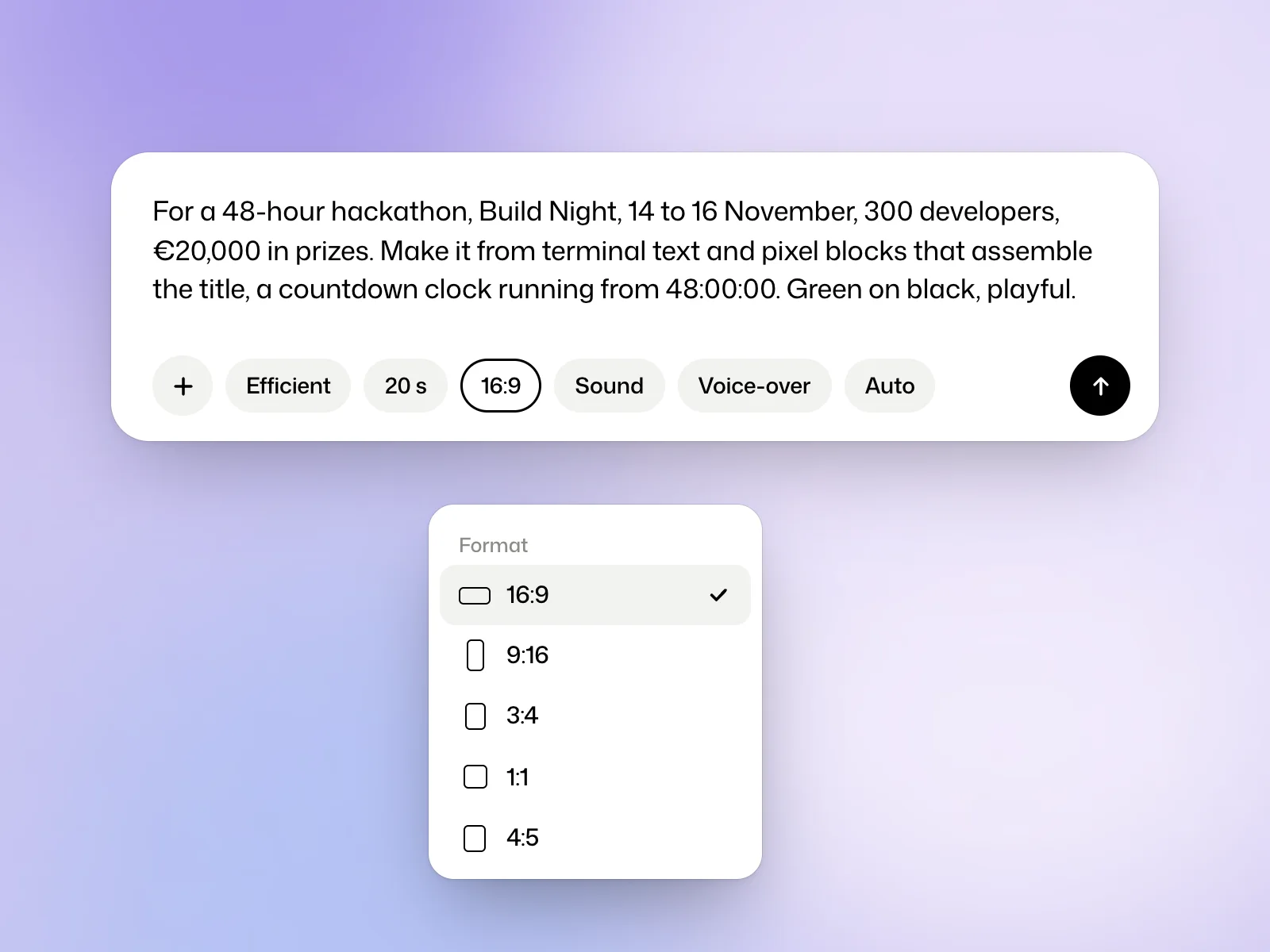
Example brief
For a 48-hour hackathon, Build Night, 14 to 16 November, 300 developers, €20,000 in prizes. Make it from terminal text and pixel blocks that assemble the title, a countdown clock running from 48:00:00. Green on black, playful.
Write the film brief
With the switch on Film, write what the film is for, who it is for and what must be in it. Add your logo, screenshots, photos or footage with the + button. The lesson on writing a request shows real examples.
Set the format, duration and audio
- Model chooses between Efficient, the default, and Ultra.
- Brand chooses the brand kit to follow. This setting appears once you have a kit.
- Length offers 10, 15, 20, 30, 45 or 60 seconds, 20 by default. For a longer film, write the length in your request. A film runs up to 1 minute on Free and Creator, and up to 3 minutes on Pro and Studio.
- Format offers 16:9, 9:16, 3:4, 1:1 and 4:5.
- Sound is on by default. Voice-over adds a voice-over.
- Language stays on Auto, or sets one of the studio’s six languages.
Answer the questions
When a choice is yours to make, Kinory stops and shows A question before going on, with answers to pick from. A single question is settled with a click. With several, Send answers sends them together. You can always answer in your own words, and attach a file if the question asks for one.
Follow progress and add notes
Open the film page to see the assets in use, the draft as it takes shape and the estimated time remaining.
The field becomes Add a note while it works… A note sent this way is read at the next step. Stop ends the work after the step under way. What is made so far is kept, and the credits used so far are billed.
You can close the page. An email tells you when the film is ready, and Also notify this browser adds a notification on your computer.
Review the first version
The film plays on its page, with a message from Kinory in the conversation. Versions line up under the player. The header gives the version, the credits the film cost, the model and the Download menu. To change something, reply in the Reply or ask for a change… field.
Watch the film through once before requesting changes. Then check the opening, any names or dates and the last frame. Give feedback on a specific moment when you can.
Try it yourself
Make a short vertical announcement with one headline and an end card. Watch it once on your phone with the sound off and check that you have time to read both.
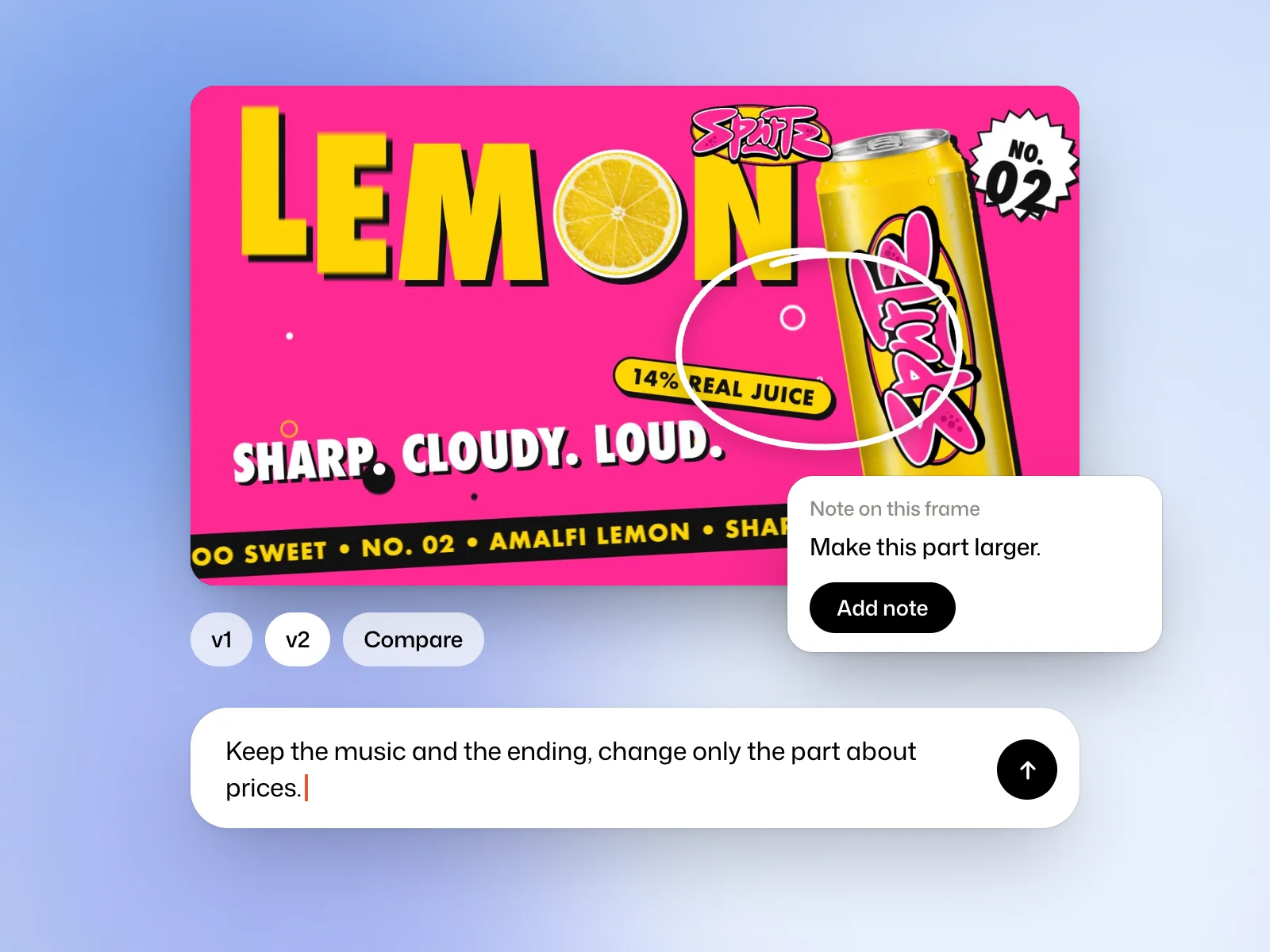 Read nextRevise a filmAsk for a targeted edit, pin feedback to a frame and compare versions.