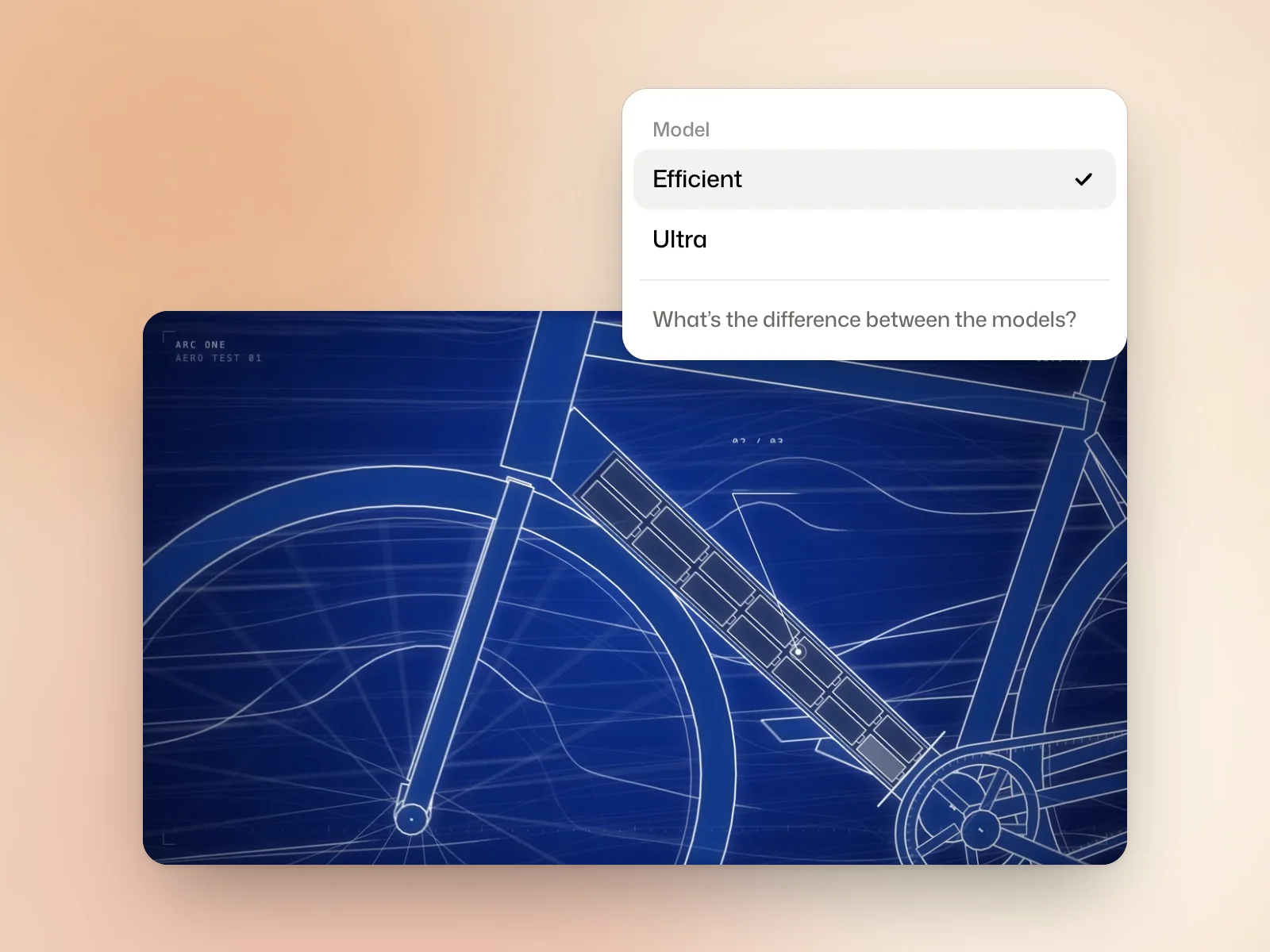
Efficient
Efficient suits everyday films: social posts, announcements, explainers. It makes most films in a few minutes and uses fewer credits.
When to use Ultra
Consider Ultra if the film needs a more complex visual treatment or if you’re refining the final version of a campaign. Allow more time and budget roughly two to three times the credits of Efficient.
Compare the two models
If you already have an Efficient draft that you want to refine, select Polish it with Ultra below the player. This creates a separate version you can compare with the draft.
In the Model menu, the link What’s the difference between the models? shows the same request made by each of the two.
Films made with earlier models
Films made with the previous models stay in your library, with their versions. Those models are no longer offered for new films.
Try it yourself
Pick a scene in an Efficient draft that you would improve. If you run it with Ultra, compare that scene in both versions and check whether the change solves the problem you identified.
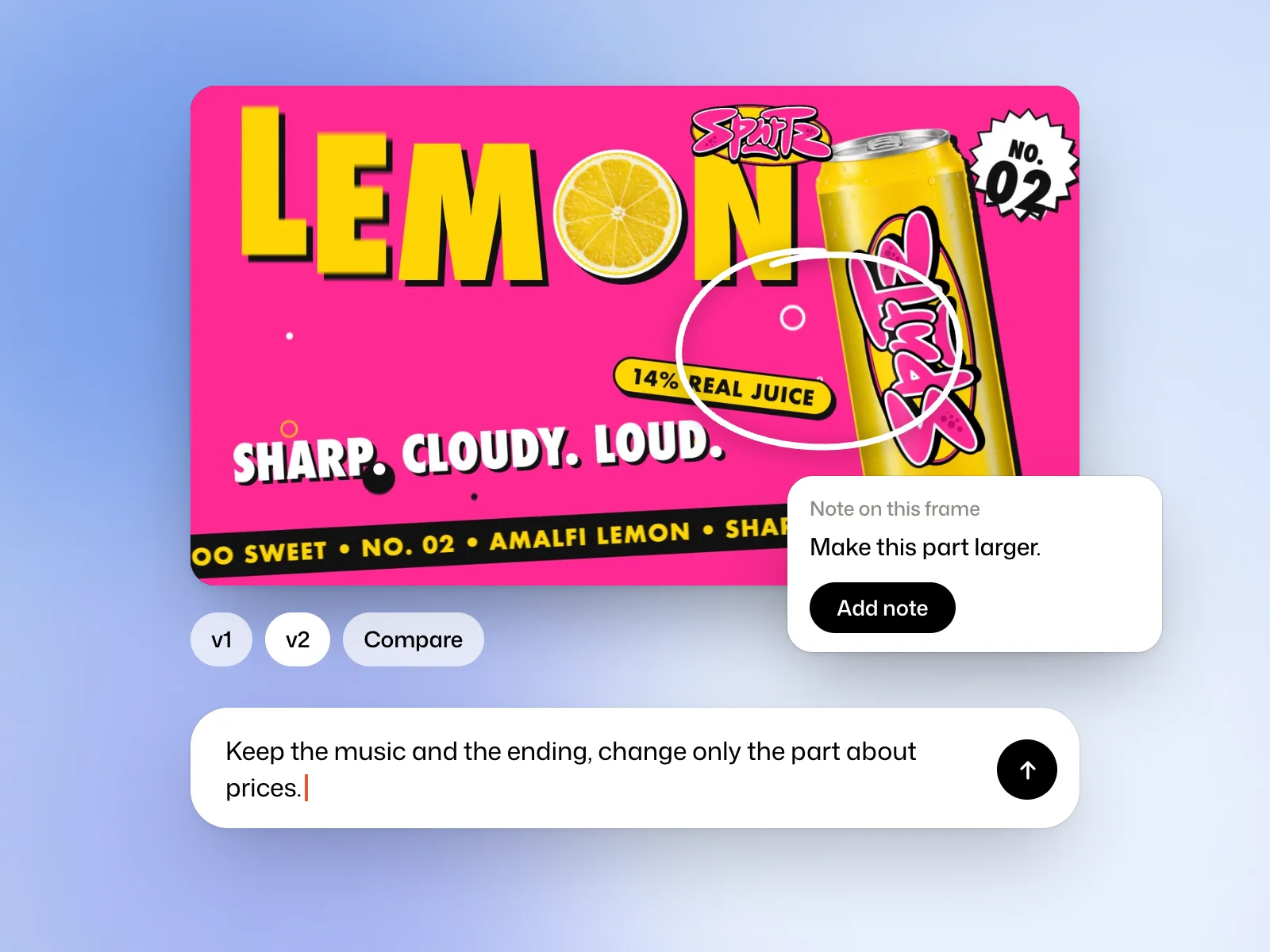 Read nextRevise a filmAsk for a targeted edit, pin feedback to a frame and compare versions.