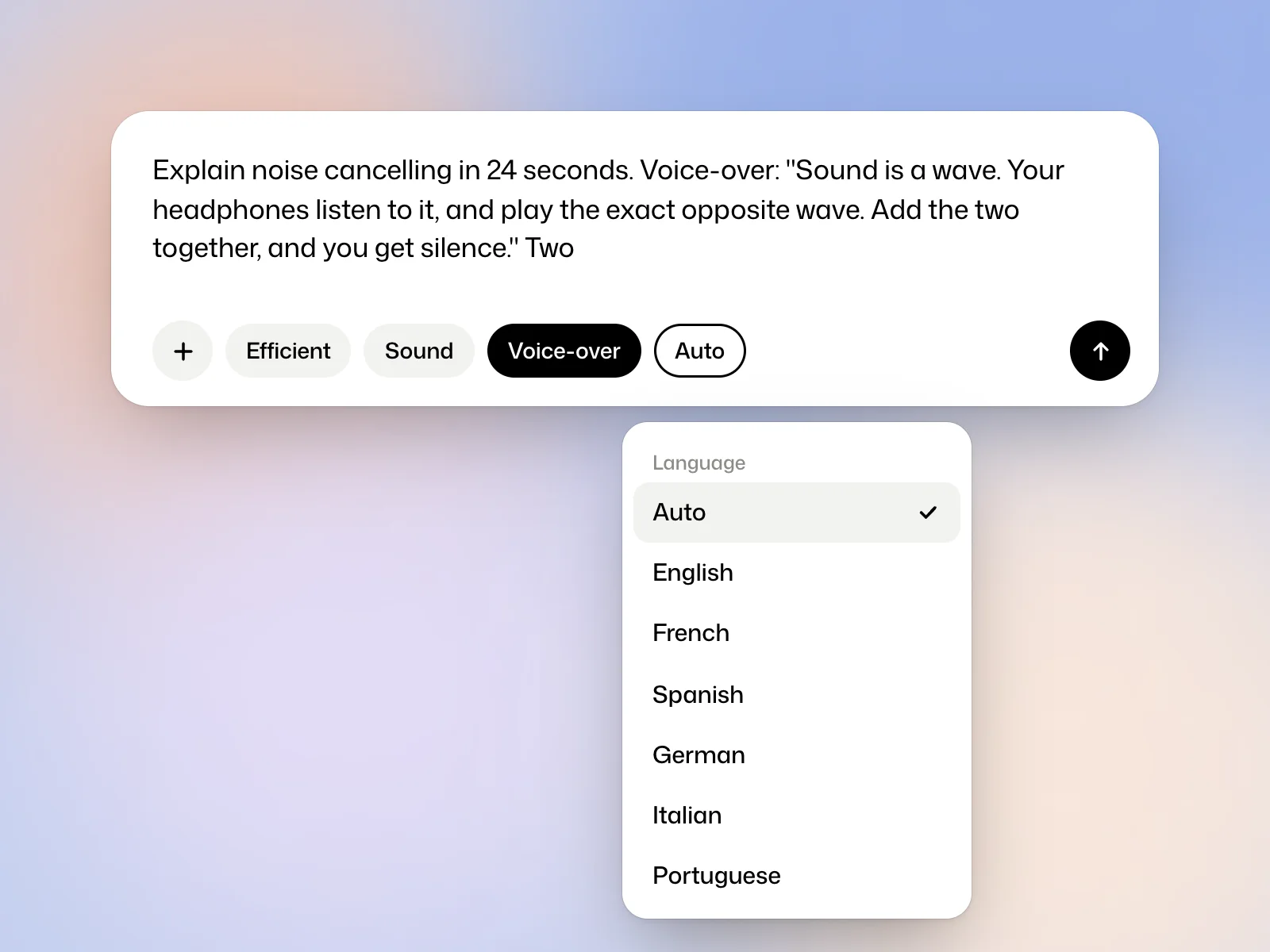
Example brief
Explain noise cancelling in 24 seconds. Voice-over: "Sound is a wave. Your headphones listen to it, and play the exact opposite wave. Add the two together, and you get silence." Two waves, one red and one blue, meet and flatten to a line. Clean, scientific, no brand.
The film’s language
The Language setting, under the request, is on Auto: the film takes the language you write in, or the one the request asks for, “for a German audience” for instance. You can also set it to English, French, Spanish, German, Italian or Portuguese.
Ask for a voice-over
Turn on Voice-over under the request, or ask for the voice-over in your text. With nothing more to go on, Kinory writes what the voice says. To set your own text, quote it in the request, as in the lesson on writing a request.
Describe the delivery
Kinory selects an available voice for the film’s language. Describe the delivery you want. For a tutorial, you might ask for a calm voice, an even pace and a short pause after each instruction.
Change the voice or the text
If the voice or a line is not right, reply under the film: “same text, a deeper voice”, or “replace the last sentence with…”. The reply makes a new version.
Voice-over by plan
No plan limits the number of voice-overs, Free included. A voice-over is billed in credits with its film.
Try it yourself
Write two short lines and read them aloud against your target duration. If a name has an unusual pronunciation, add a phonetic hint to the brief and listen for it in the preview.
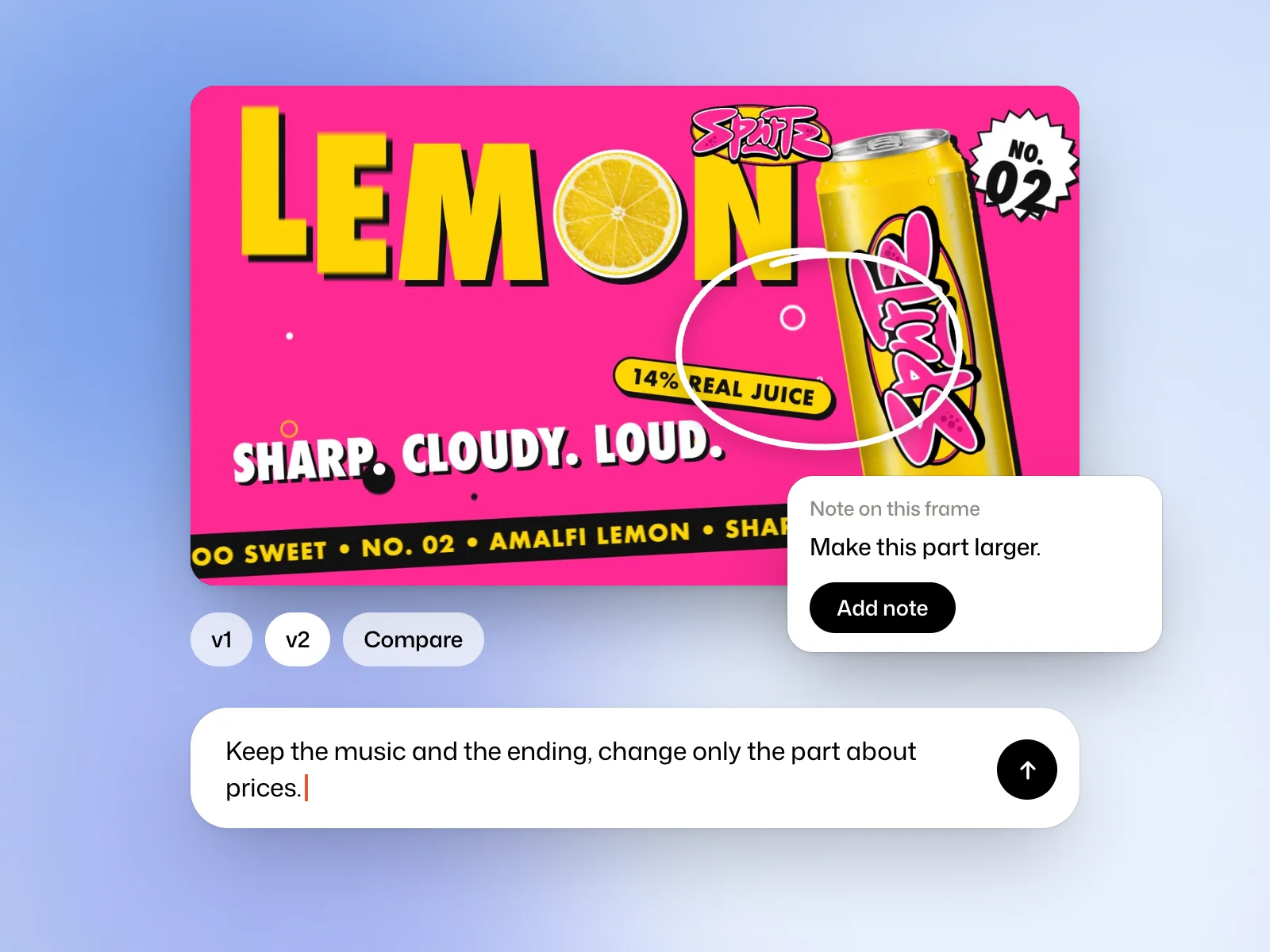 Read nextRevise a filmAsk for a targeted edit, pin feedback to a frame and compare versions.