Example brief
A logo for Halfmoon Records, a secondhand vinyl shop and small label in Leeds, opened in 2019 by two former club DJs. Mostly house, disco and soul. It goes on record sleeves, tote bags and the shop window.
Open a new logo
In the side rail, click the + beside Logos, or New logo on the Logos page. The switch on the home page does not offer logos. The New logo window gives three ways to start.
Describe the logo
Write the name, what it stands for and the feeling the logo should give, then Draw it. You can attach files, such as a sketch or a reference picture, and pick a brand kit in the Brand menu if you have one. Kinory delivers one to six logos and marks the one it recommends with Recommended.
Compare logo directions
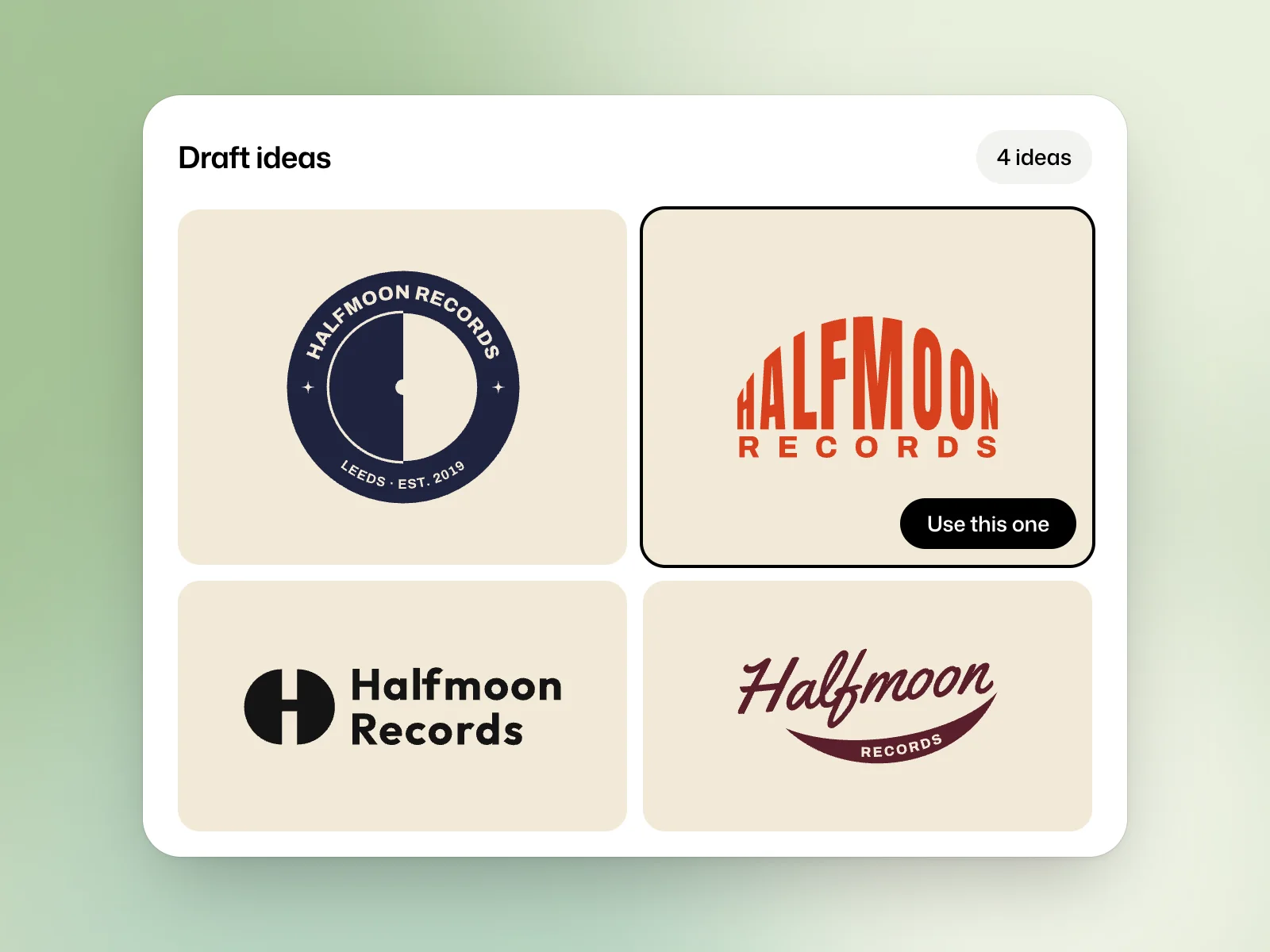
Draft ideas suits the moment when you do not know which direction to take yet. The How many ideas menu offers 4 to 20 ideas, 10 by default, then Draft the ideas starts the board.
Each idea on the board can be downloaded or opened in the editor. Use this one keeps an idea, and Kinory takes it to a finished logo.
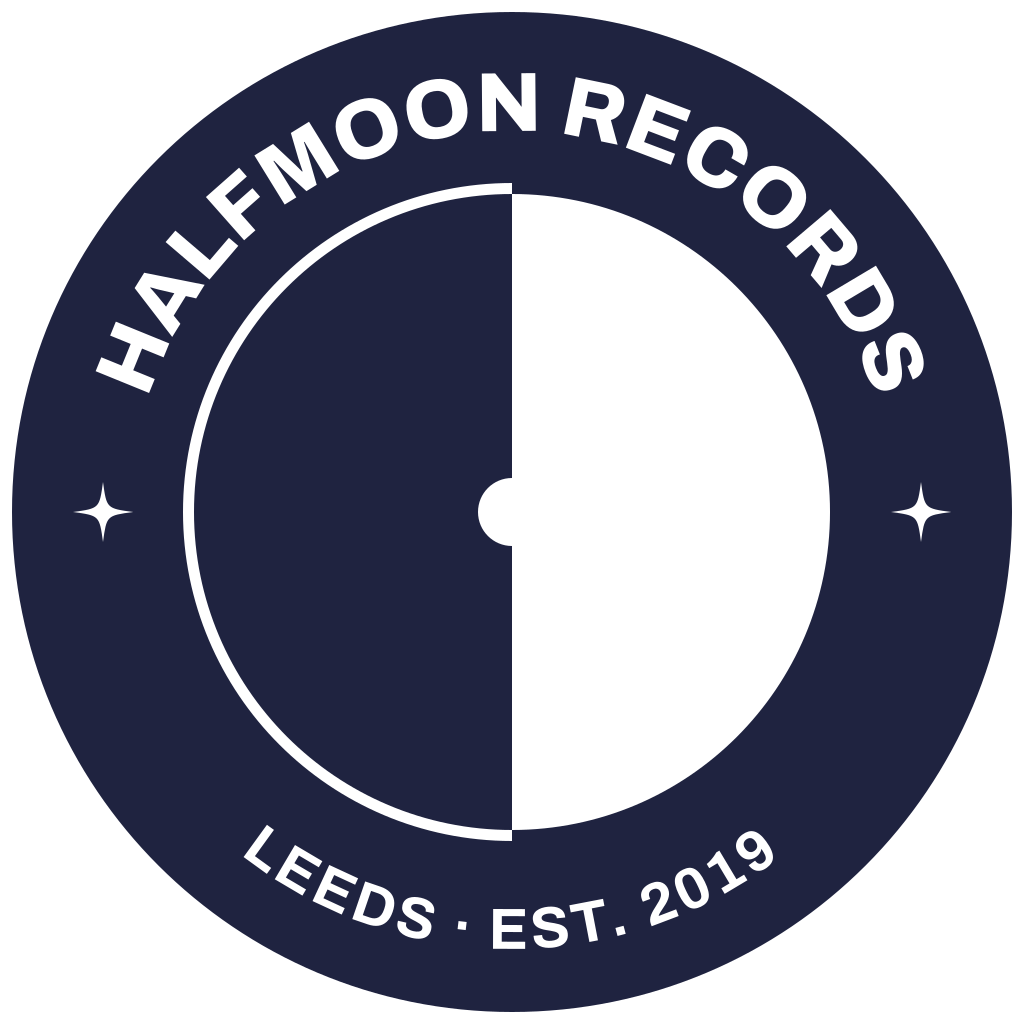
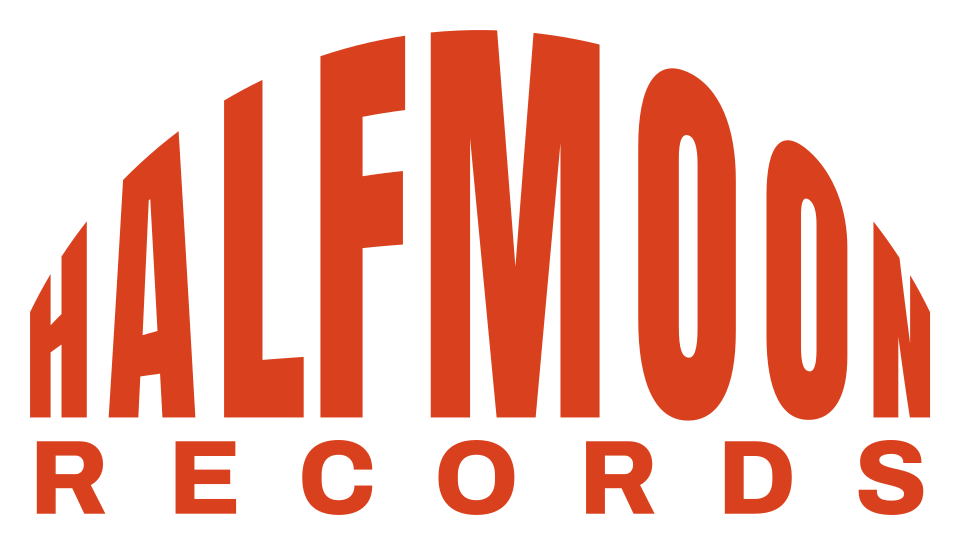
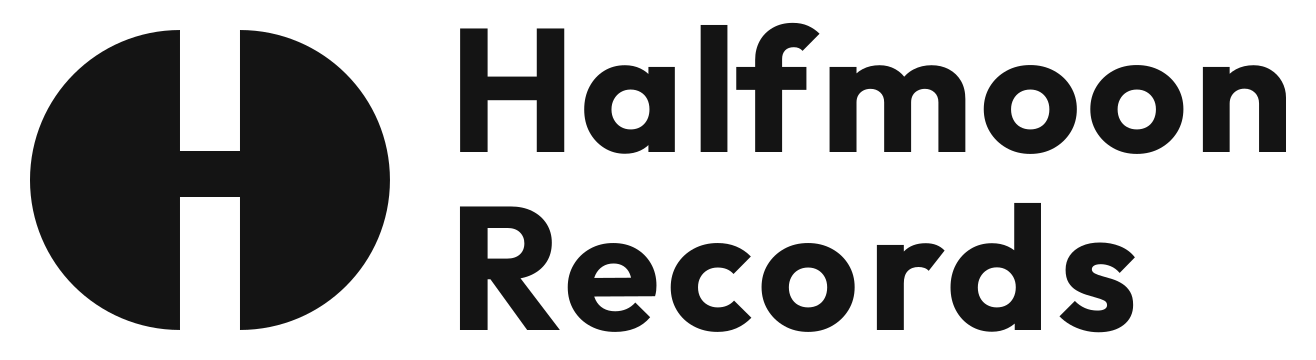

Compare the silhouettes at small sizes before choosing. If two ideas feel similar, try both in one colour. This makes it easier to judge their shapes.
Start from a blank artboard
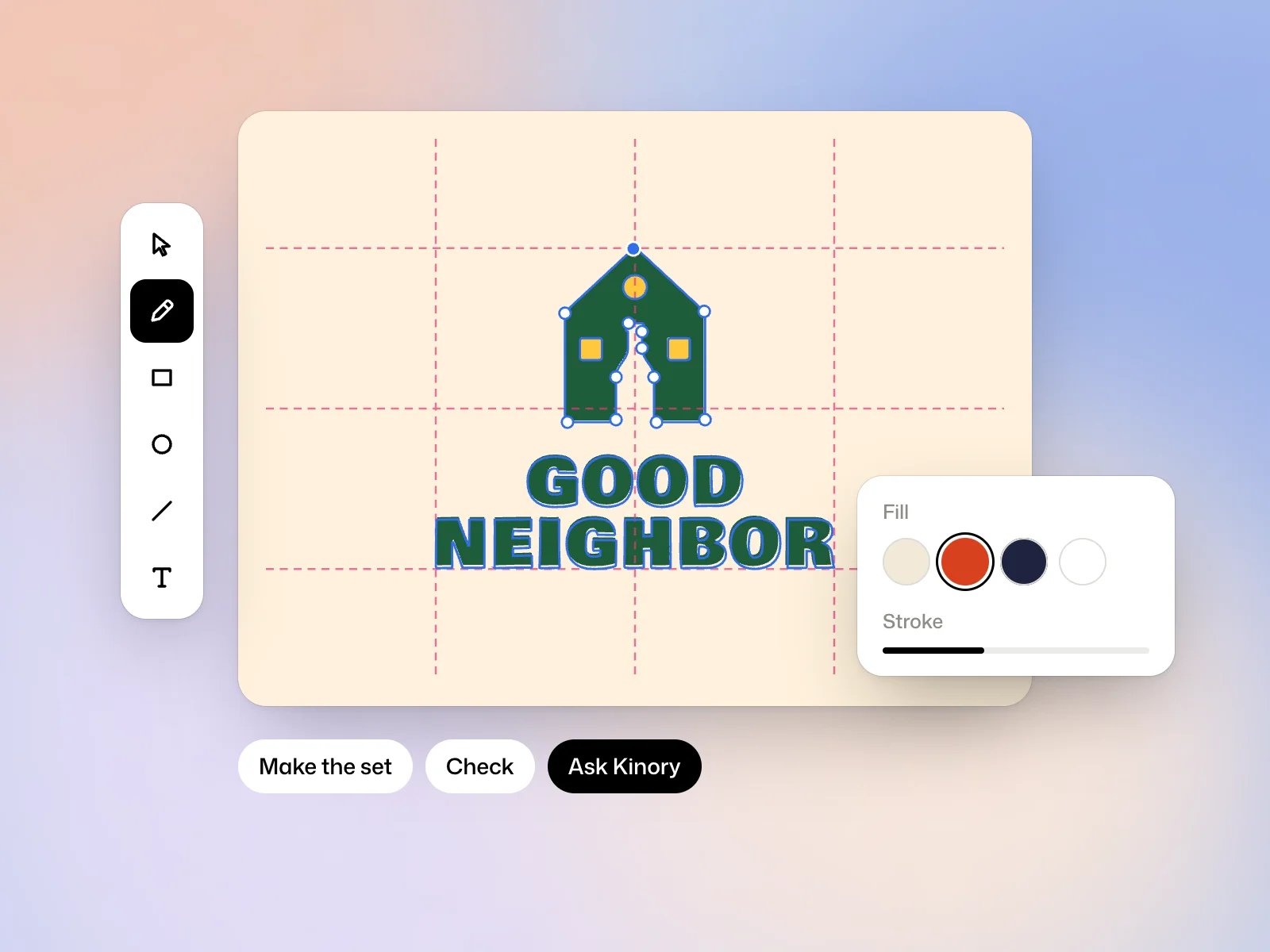
Start from scratch opens the logo editor straight on a blank artboard. Choose its shape, Square for a mark or an icon, Wide for a mark beside its name, Tall for a mark above its name. Nothing is billed while you draw by yourself. To rework a logo you already have, paste or import its SVG in the editor.
Download the logo
Each logo downloads as SVG and as PNG, 2048 px from its page. The Background setting shows it on a light or a dark ground. A logo on its own comes without guidelines or photos in use, which come with a brand.
Change the logo
Reply in the conversation to ask for a change, which makes a new version. Edit the logo opens it in the editor to rework it by hand. The Logos page also lists, under From your brands, the logos of the brands Kinory created for you.
Estimating costs
A logo is billed the credits its drawing took, and so is each change. A board of ideas is billed the same way, then the finished logo made from the idea you kept.
Try it yourself
Put your chosen logo on light and dark backgrounds and view it at avatar size. If the name or symbol becomes hard to read, refine it before exporting the SVG.
 Read nextRefine a logo in the vector editorAdjust paths, make logo variants and check the result before export.