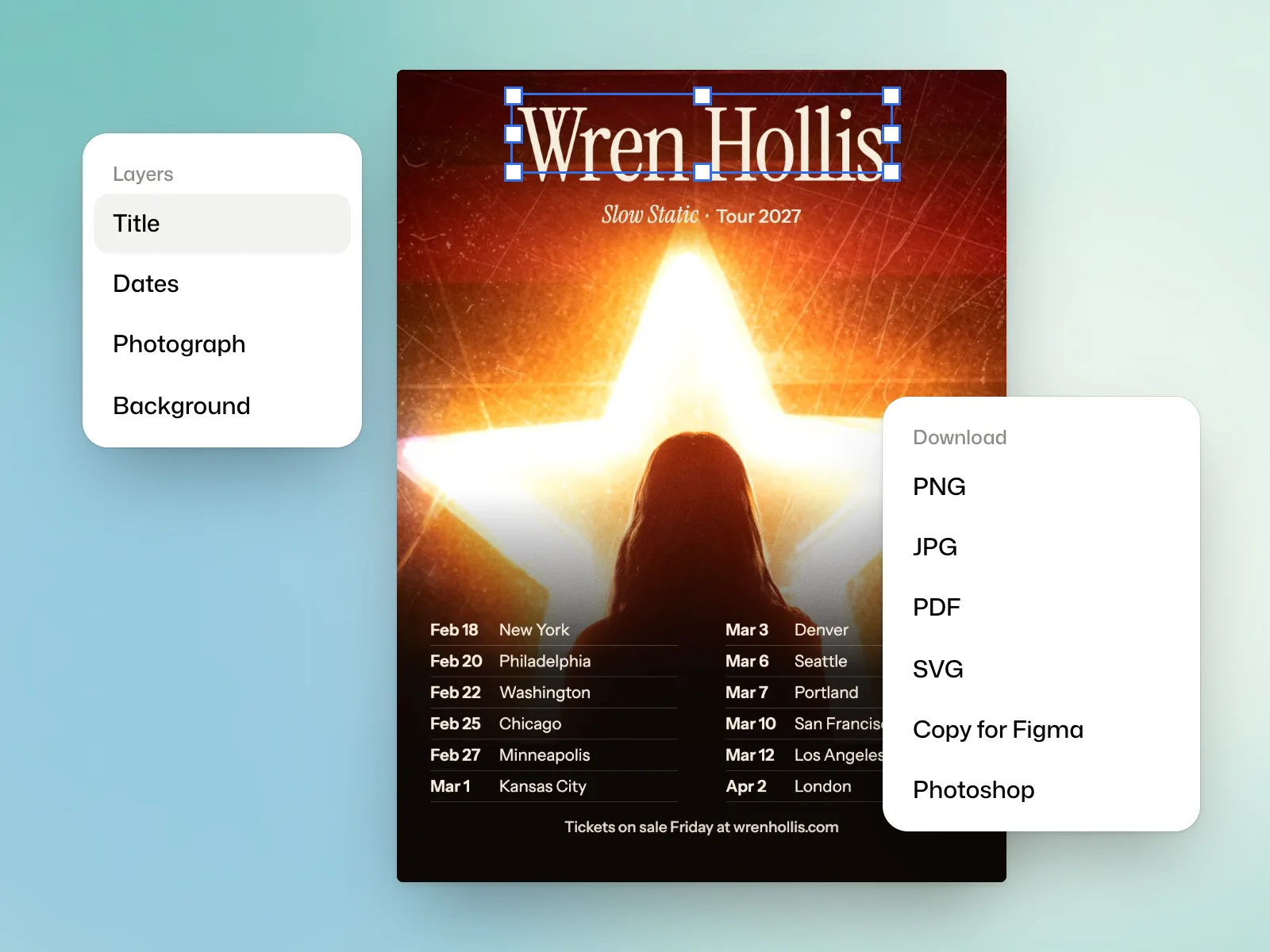
Layers, text and layout
Edit, on a design’s page, opens the editor. The Layers panel lists the page’s elements as a tree. You can rename, hide and lock them.
Select an element to change its typeface, size, weight, colour, position, rotation or opacity. The align and spread commands arrange several elements together. Text drawn by the page’s code cannot be edited by hand, so ask Kinory for the change.
Effects and perspective
Add an effect gives an element an effect such as Grain, Halftone, Duotone, Glow, Shadow or Blur, whose values you then adjust.
Perspective tilts an element with Tilt, or pins its four corners with Corners to set it on a surface, such as a screen or a poster in a photograph.
Work on pictures
- Remove the background cuts a picture out. It is free.
- Replace an area replaces the area you drag over with what you describe, and Extend to its box extends a picture to the edges of its box. Both are billed in credits.
- Generate a picture makes a picture from a description. Its button shows the approximate cost in credits before you start.
Ask Kinory in the editor
Ask Kinory takes your request without leaving the editor, with the selected element as a hint. A small request makes a small change, billed accordingly.
Save
Saving makes a new version, labelled By hand in the list of versions. It is free, and Kinory starts from it at your next request.
Pick an export format
The Download menu offers:
- PNG, pictures at twice their size, and JPG, smaller files.
- PDF, every page with its vectors kept.
- SVG, for Figma and design tools, and Copy for Figma, which pastes into Figma as editable layers.
- Photoshop, with layers named as in the editor.
- PDF for print, in CMYK with bleed and crop marks, on the Pro and Studio plans.
Choose the format based on what happens to the file next. If a printer will use it, ask for their specifications and check the page size and bleed before sending the print PDF.
Try it yourself
Select a text layer and fix a line break without moving the other layers. Save the edit, export in the format you need and reopen the file to check the result.