Example brief
A black-and-white identity for Drift Coffee.
Three ways to start
On the home page, set the switch to Brand. You can also click the + beside Brands in the side rail, which opens New brand.
- Describe the brand. Write what it sells, to whom, and what you already know, for example “A sourdough bakery in Lyon, no name yet”. Add a sketch, references or a logo if you have them.
- Create from my website. Give your website’s address. Kinory reads it and builds the brand kit from it.
- Fine-tune my brand. A form where you set the name, or ask Kinory to suggest one, the description, up to four personality traits, the colours to keep and your references.
To refresh a brand whose kit you already have, pick it in the From a brand kit menu.
Minimal or Complete
- Minimal extracts your logo, colours and typefaces from your website or your files. It makes no guidelines and no photos in use. It is the default for a brand created from a website.
- Complete creates a full identity, with guidelines, a kit and photos in use. It is the default in every other case.
Compare the logo proposals
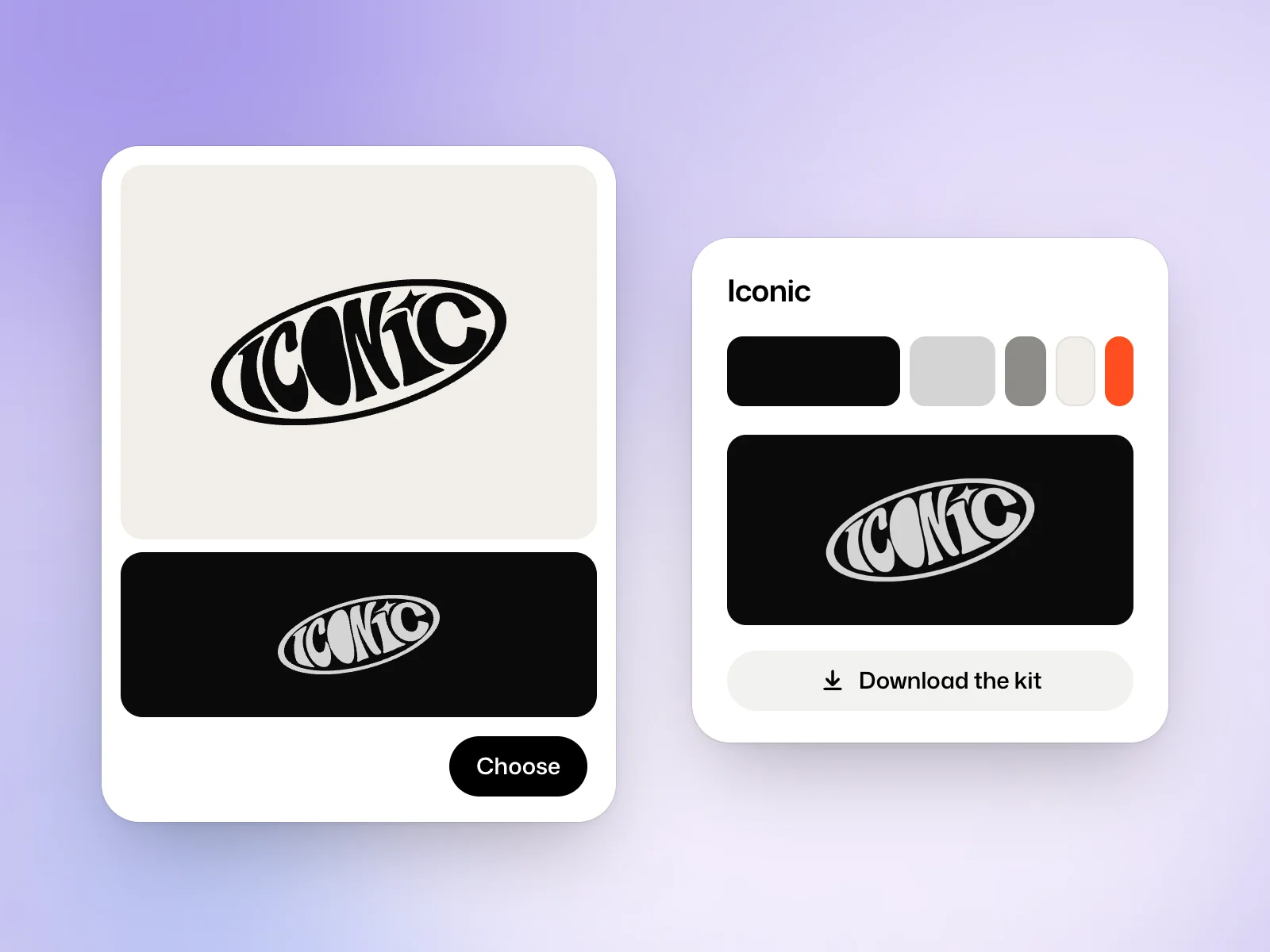
Kinory shows one to six logo proposals, each on a light and on a dark ground. Choose keeps the one you prefer, and Kinory builds the brand around it. With Fine-tune my brand, the Brand concepts mode has you choose a concept before the kit is made, and Complete brand kit makes everything in one step.
Test your favourites in the places people will see them. Try a small version on a plain background so you can judge the silhouette and lettering without the mockup.
Kit contents
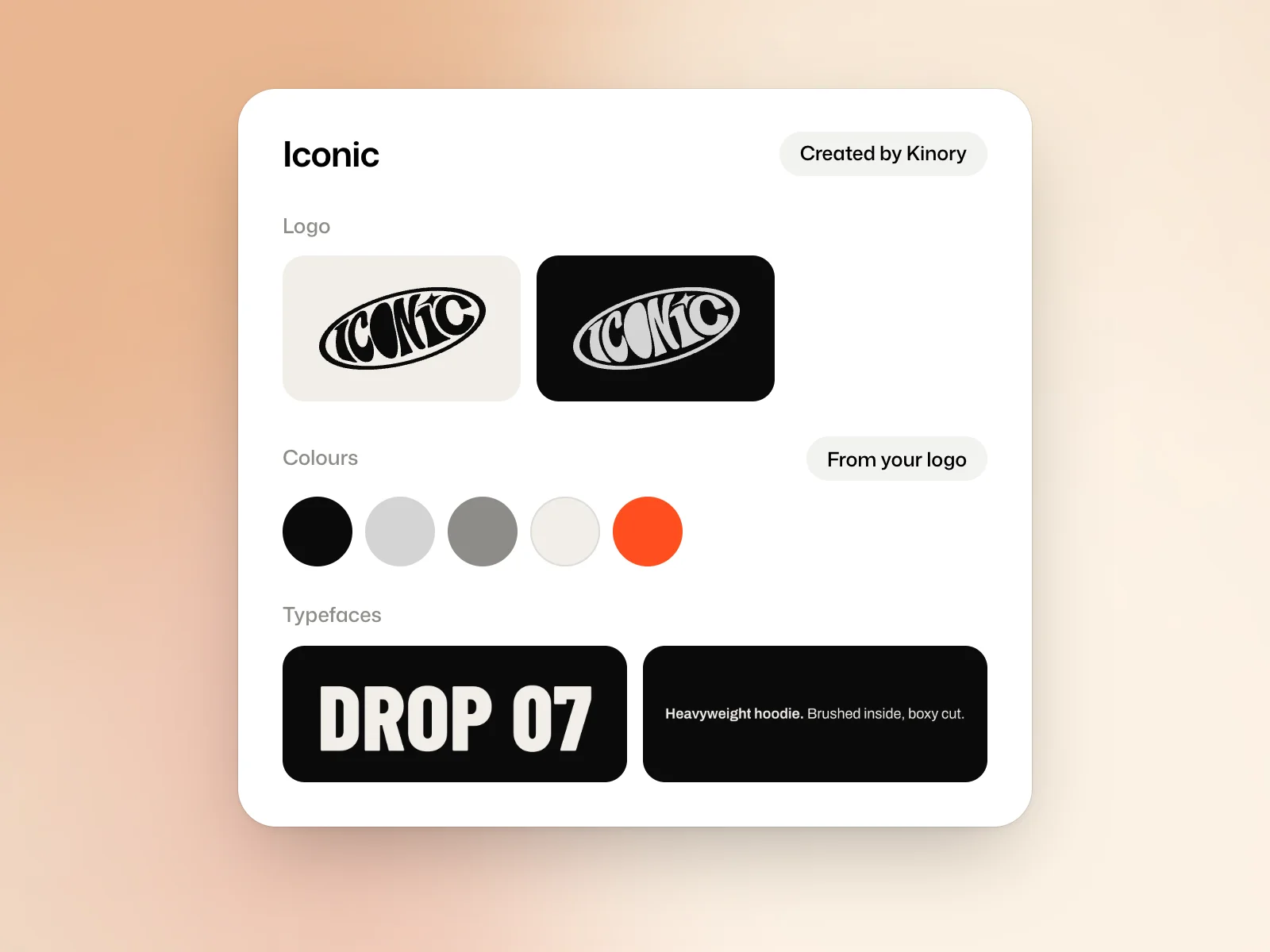
- Each logo as SVG, PDF and PNG at 500, 1,500 and 4,000 pixels.
- The favicon and the app icons.
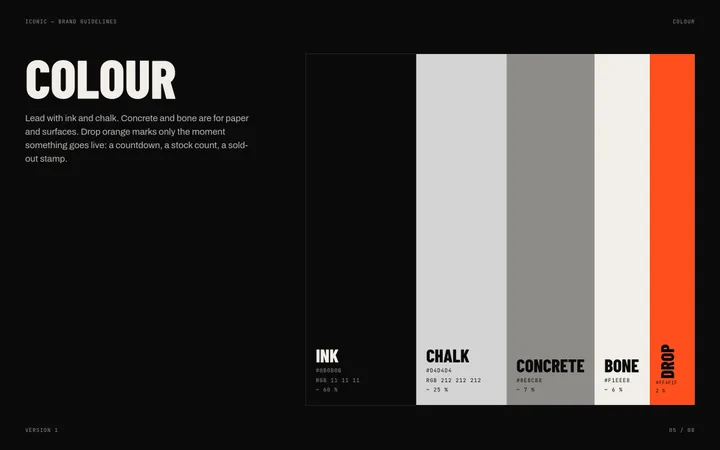
- The palette as CSS, JSON and an Adobe swatch file.
- The typefaces.
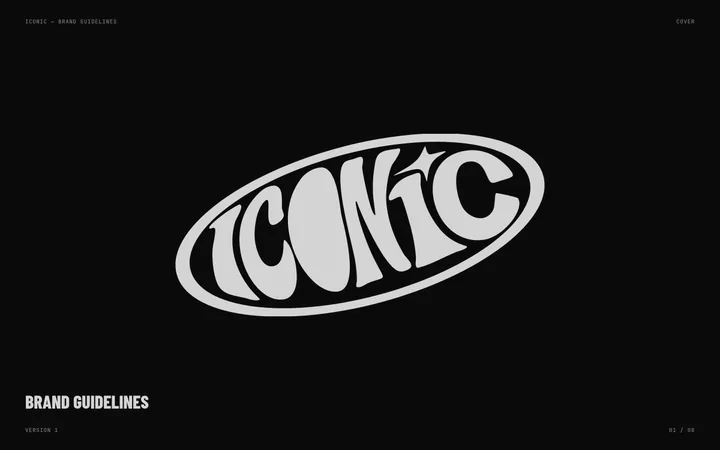
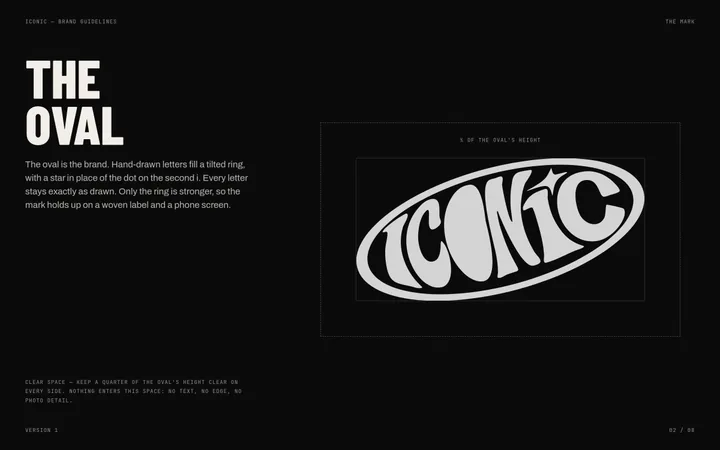
- The guidelines, page by page and as one PDF.
- The photos of the brand in use, in the In use section.
Download the kit downloads all of it as a zip file.
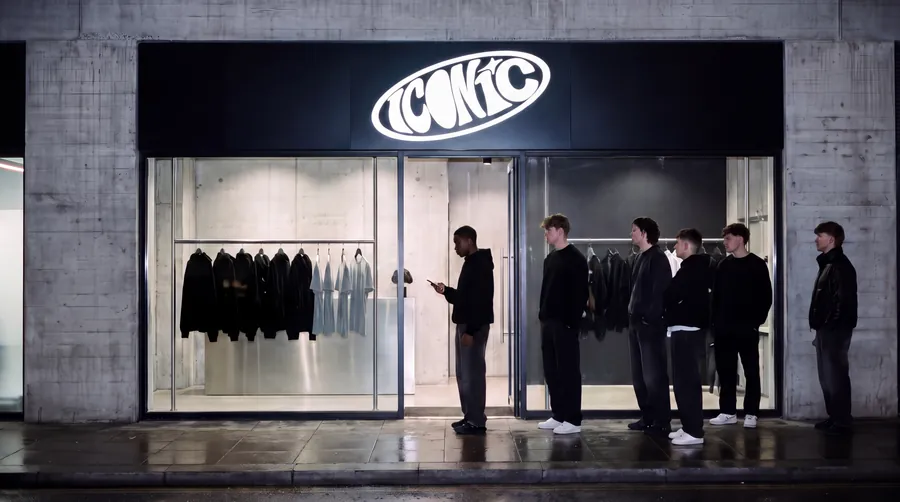
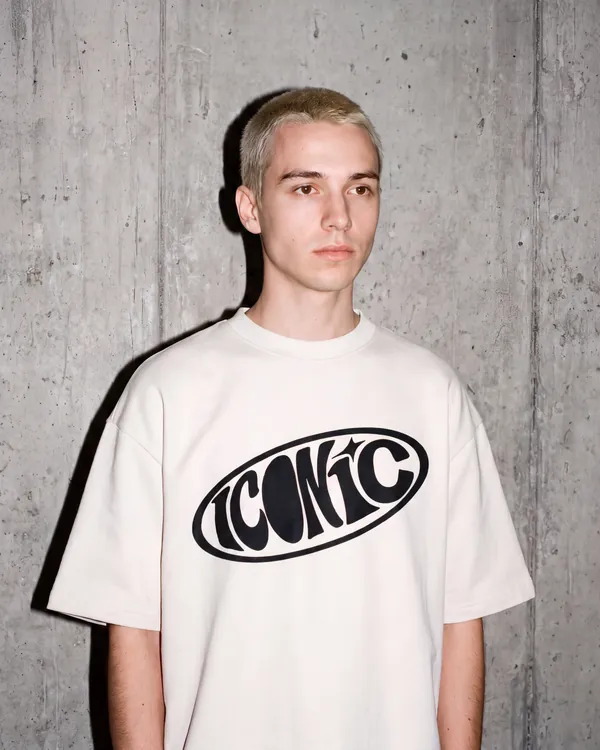
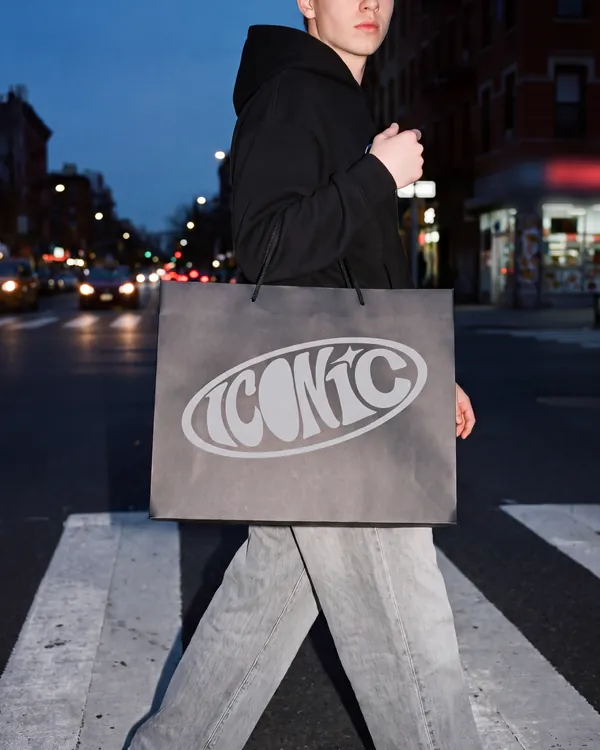
Change the brand
A brand is a conversation. Reply to ask for a change, and each reply makes a new version without erasing the earlier ones. To rework a logo yourself, Edit opens it in the logo editor.
Use the brand
The Use the brand section offers Make a film and Make a graphic, which start from the brand’s kit. Make the brand kit creates that kit if it does not exist yet. It is tagged Created by Kinory and does not count towards your plan’s limit of kits.
Estimating costs
A brand is billed the credits it took to create, like a film, and so is each change. The brand’s page shows the total once the first version is delivered.
Try it yourself
List the first two places the brand will appear. Compare two proposals at the smallest size you will use and choose the one that stays legible there.
 Read nextUse a brand kitSave your logo, colours and fonts, then apply them to a new film or design.