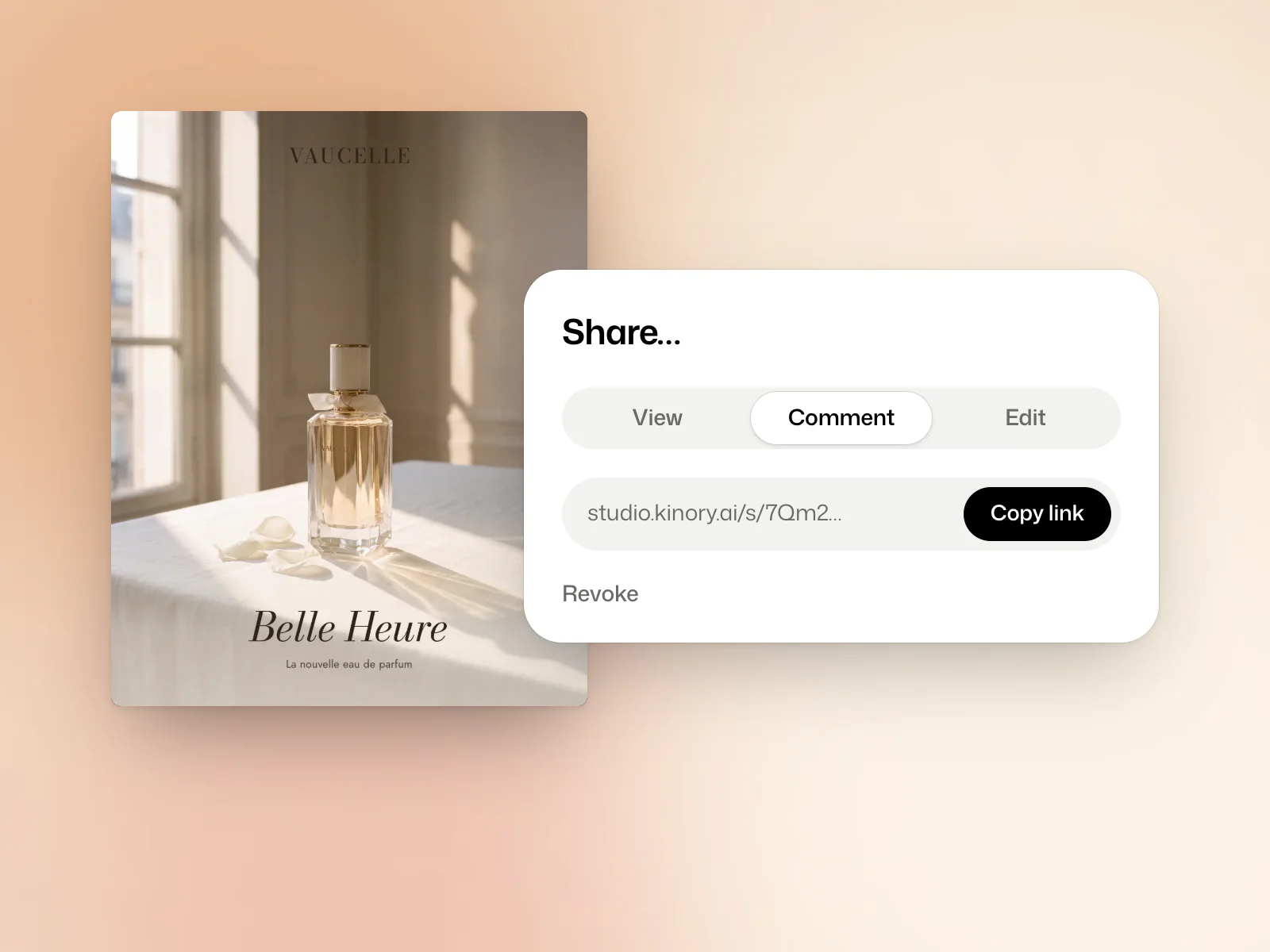
Create a link
Open the film, the brand or the design, then Share… in its actions. Choose what the link allows, then Copy link.
The three links
- View shows the work and its versions. The person needs no account.
- Comment also lets them comment and approve a version, without an account, by giving their name.
- Edit lets a signed-in person join this piece of work and change it from their own Kinory account. They pay for their changes with their credits, and the rest of your workspace stays closed to them.
Close a link
Anyone holding a link sees the work for as long as the link exists. Revoke, in the same window, closes it. Work with no link stays private.
Try it yourself
Create a view-only link and open it in a private browser window to see what the recipient gets. Revoke the link when you finish and check that it no longer opens the project.
Collect feedback on a version
Tell reviewers which version to check when you send a Comment link. Mark comments done as you address them. If you deliver a new version, ask reviewers to approve that version so their decision is recorded against the right draft.