Make a flyer with AI
Create a flyer for an offer, opening or event. Include the details to display and your preferred print size.
Get 5,000 free credits.See pricing
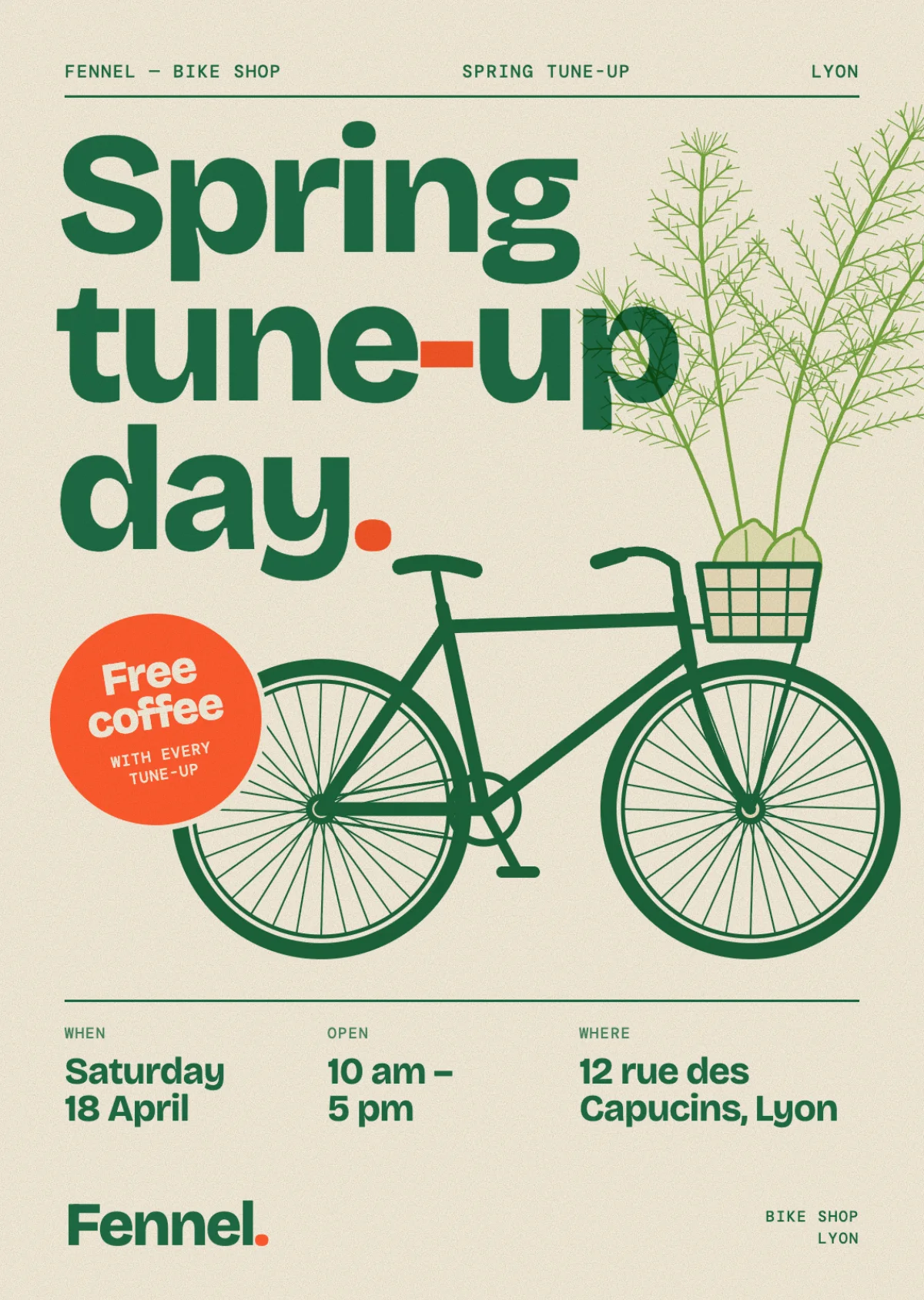
AI flyer examples
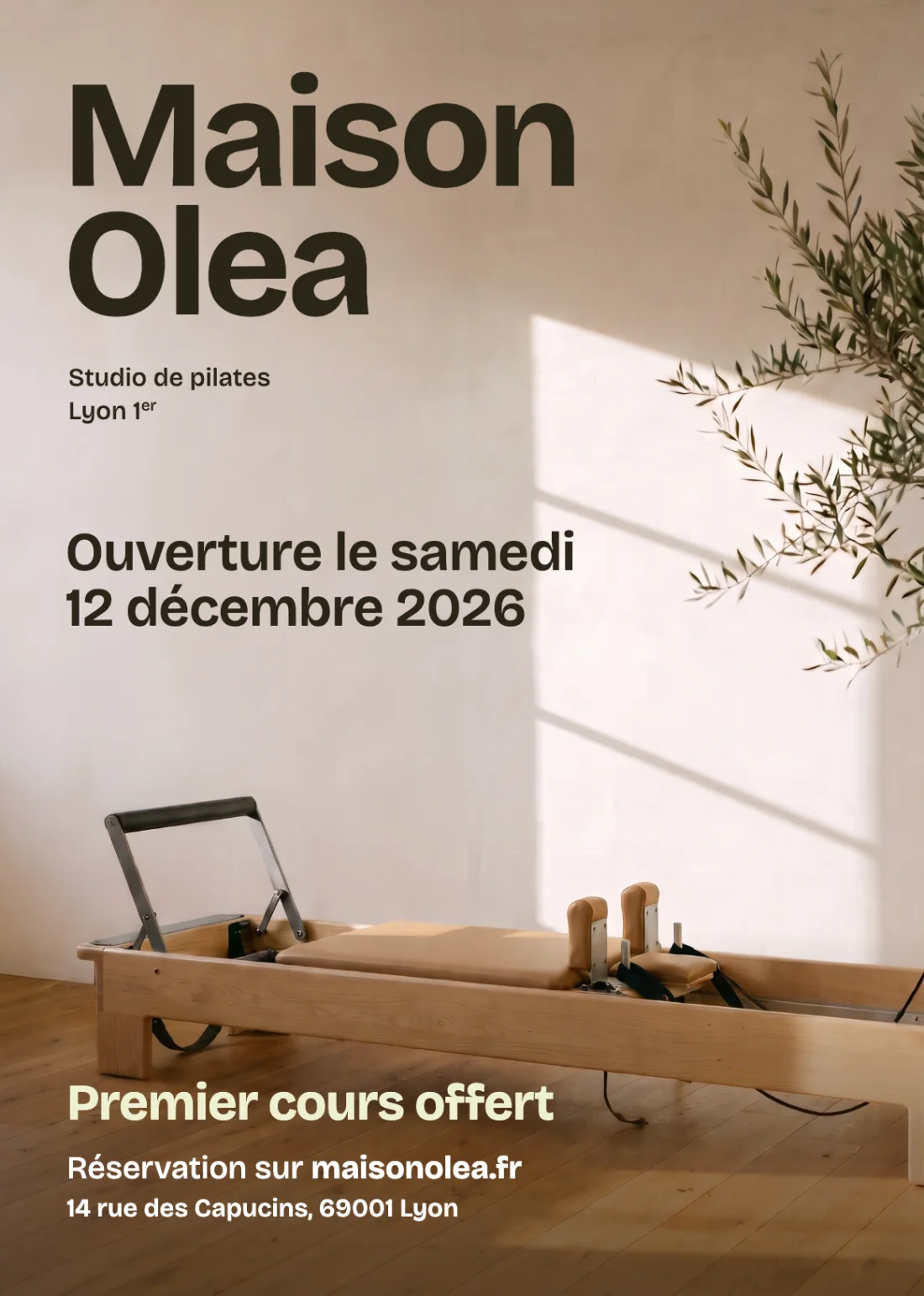
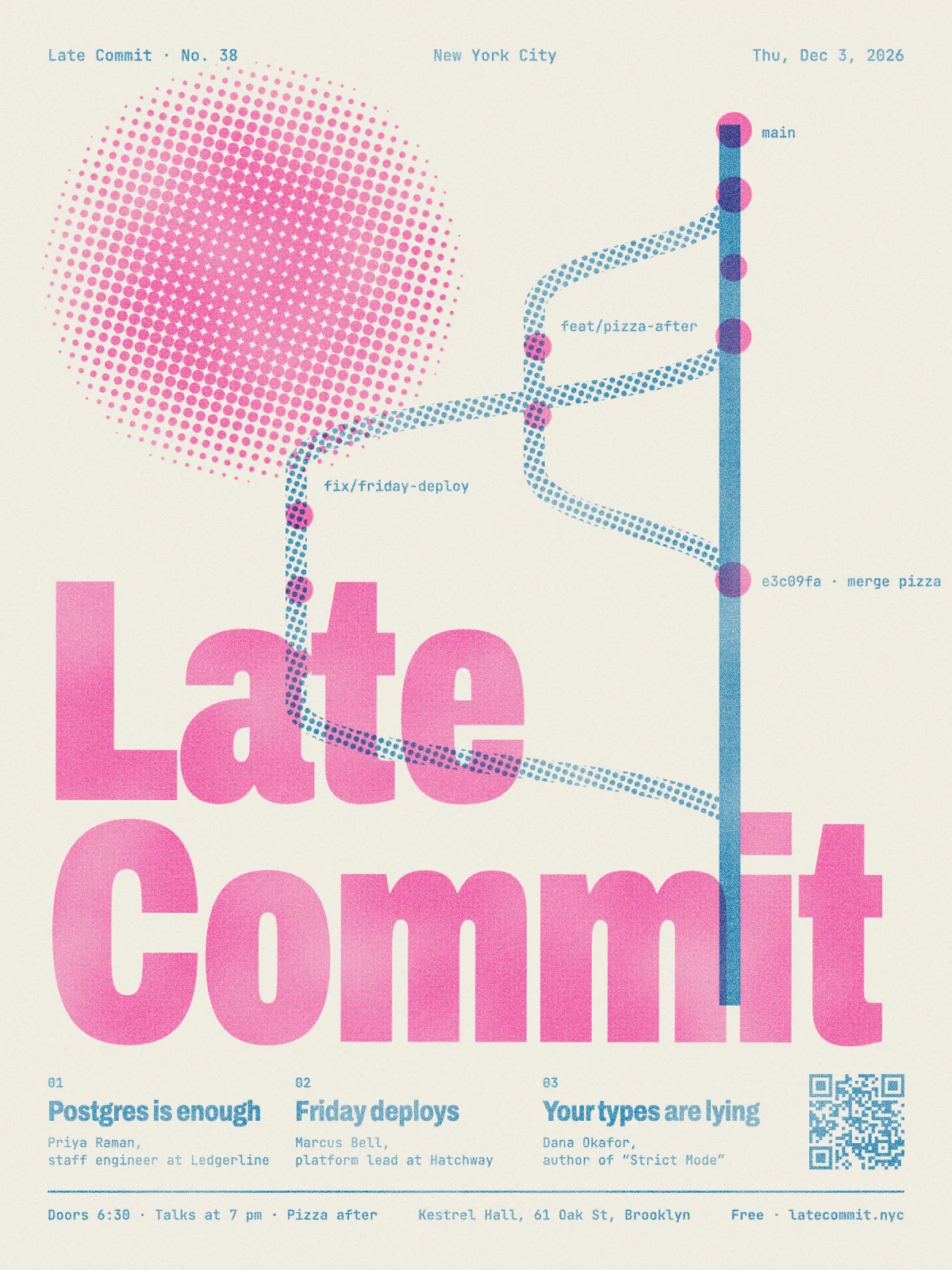
Four flyers for the Maison Olea opening, generated from the same brief.
Include the essential details
This brief gives the name, the date, the address, the offer and the booking site. It says nothing about style. Here Kinory builds the flyer from the letters of the name and sets a plank on the L.
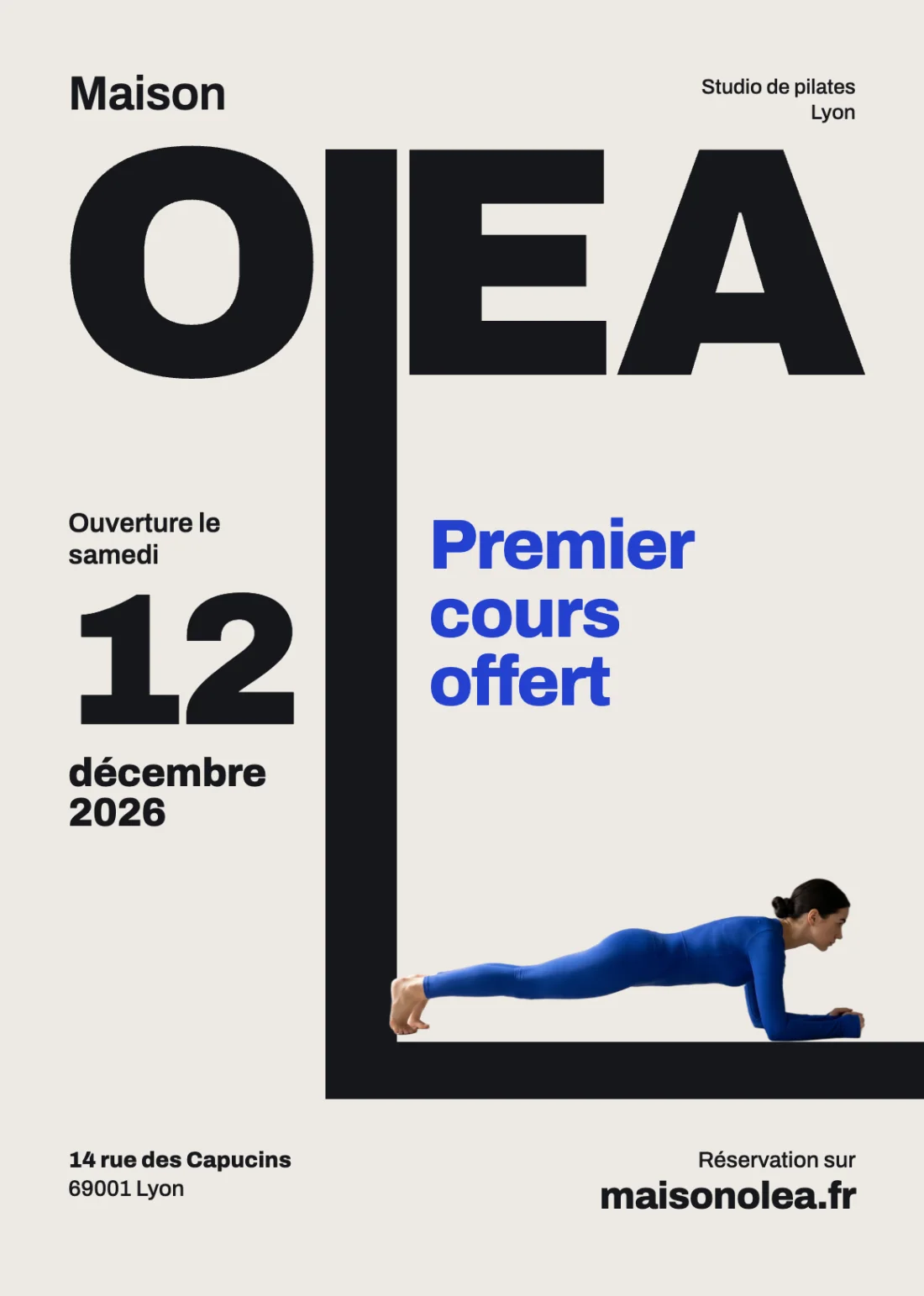
Un flyer A5 pour l’ouverture de Maison Olea, un studio de pilates à Lyon. Ouverture le samedi 12 décembre 2026, 14 rue des Capucins, 69001 Lyon. Premier cours offert. Réservation sur maisonolea.frSend the brief again for another direction
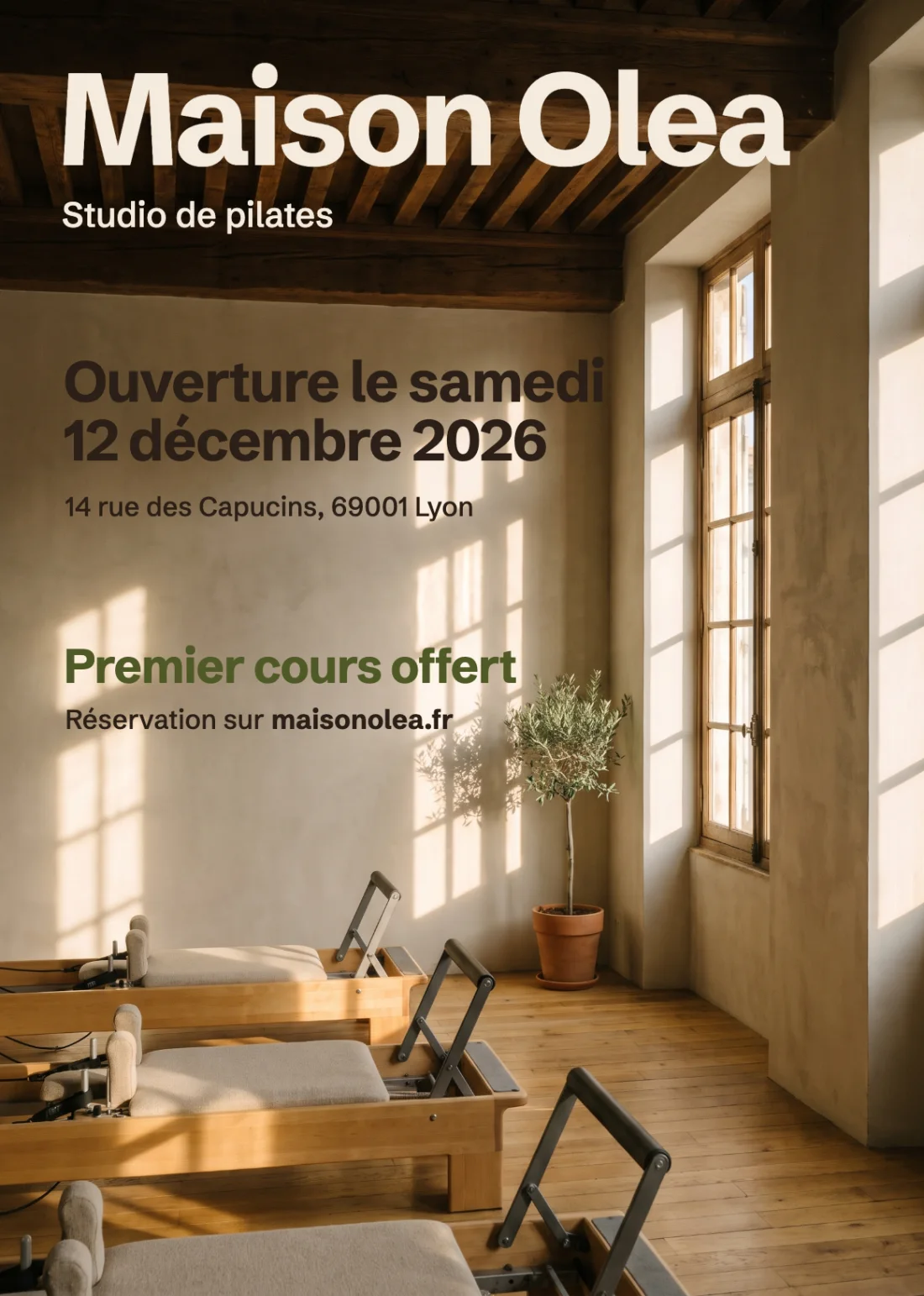
Another version from the same brief puts the text on the wall of a sunlit studio.
Specify a visual style
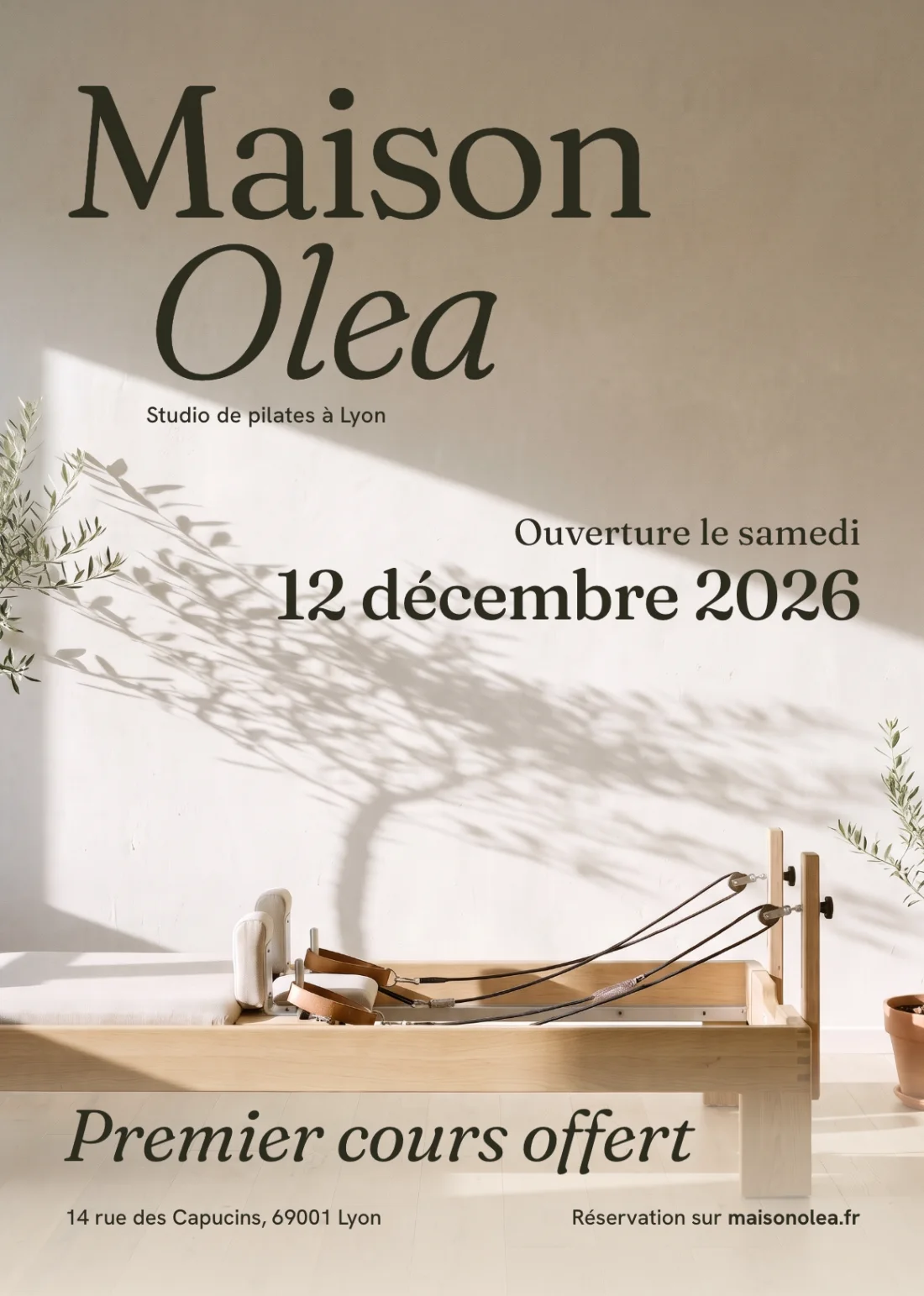
Two more runs chose a photograph of a reformer, one in a serif face and one in a bold sans. If you already know, write it down: a photo or type only, light or dark.
Sizes, print and exports
- Sizes
- A5, A6, DL or a size in millimetres. Write the size in your brief.
- Two sides
- Request separate front and back pages in the same design.
- On Pro and Studio, export a CMYK PDF with bleed and crop marks. The flyers on this page carry 3 mm of bleed.
- Changes
- Change a date, a price or an address in the editor. These changes are free.
- Pictures
- Attach your photos or generate a picture in Kinory Studio.
- Exports
- PNG and JPG at 2× resolution, a vector PDF, SVG to paste into Figma and a Photoshop file with its layers.
Estimating costs
Each version shows its credit cost. Manual edits are free. You get 5,000 credits when you sign up, then 1,000 every month on the Free plan.
Free
€0
5,000 credits when you sign up
Creator2× the first month
€29a month before VAT
6,000 credits a month
Pro2× the first month
€99a month before VAT
22,000 credits a month
Studio2× the first month
€299a month before VAT
70,000 credits a month
Frequently asked questions
Can I make a flyer for free?
You get 5,000 credits when you sign up, then 1,000 every month on the Free plan. Each version shows its credit cost. Manual edits are free.
Is the flyer ready for a print shop?
Give the size in your brief, such as A5. Pro and Studio export a CMYK PDF with bleed and crop marks. The other plans export a vector PDF.
Can I make a two-sided flyer?
Yes. Ask for a front and a back in the brief and say what goes on each side. Both pages belong to the same design.
Can I change the date or the price later?
Yes. Open the flyer in the editor and change the text. A change made by hand saves a new version and costs no credits.
Can I get several options?
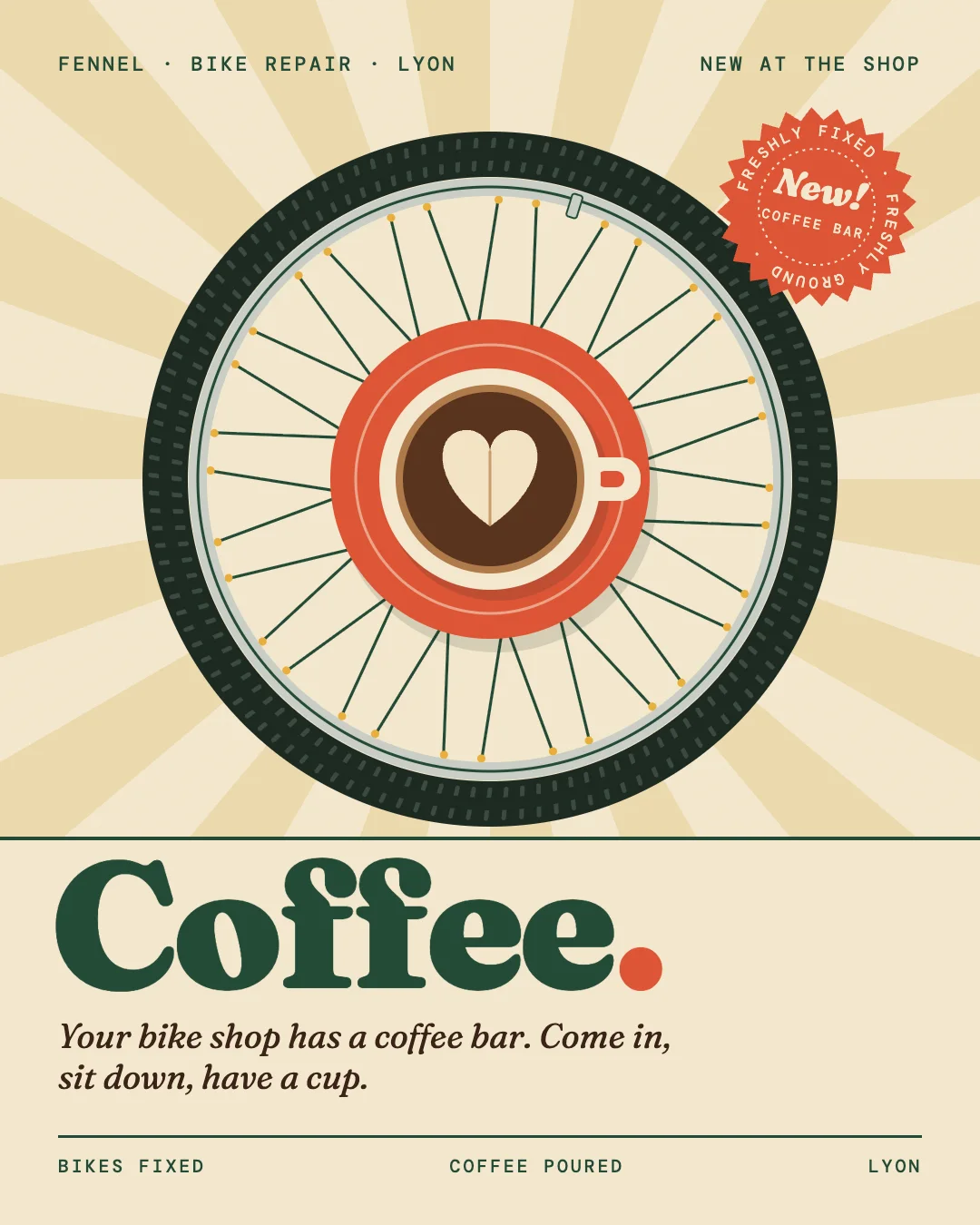
Yes. Send the same brief several times, as for the four flyers on this page, or ask Kinory to develop another direction under a design.
Can I use my logo and my colours?
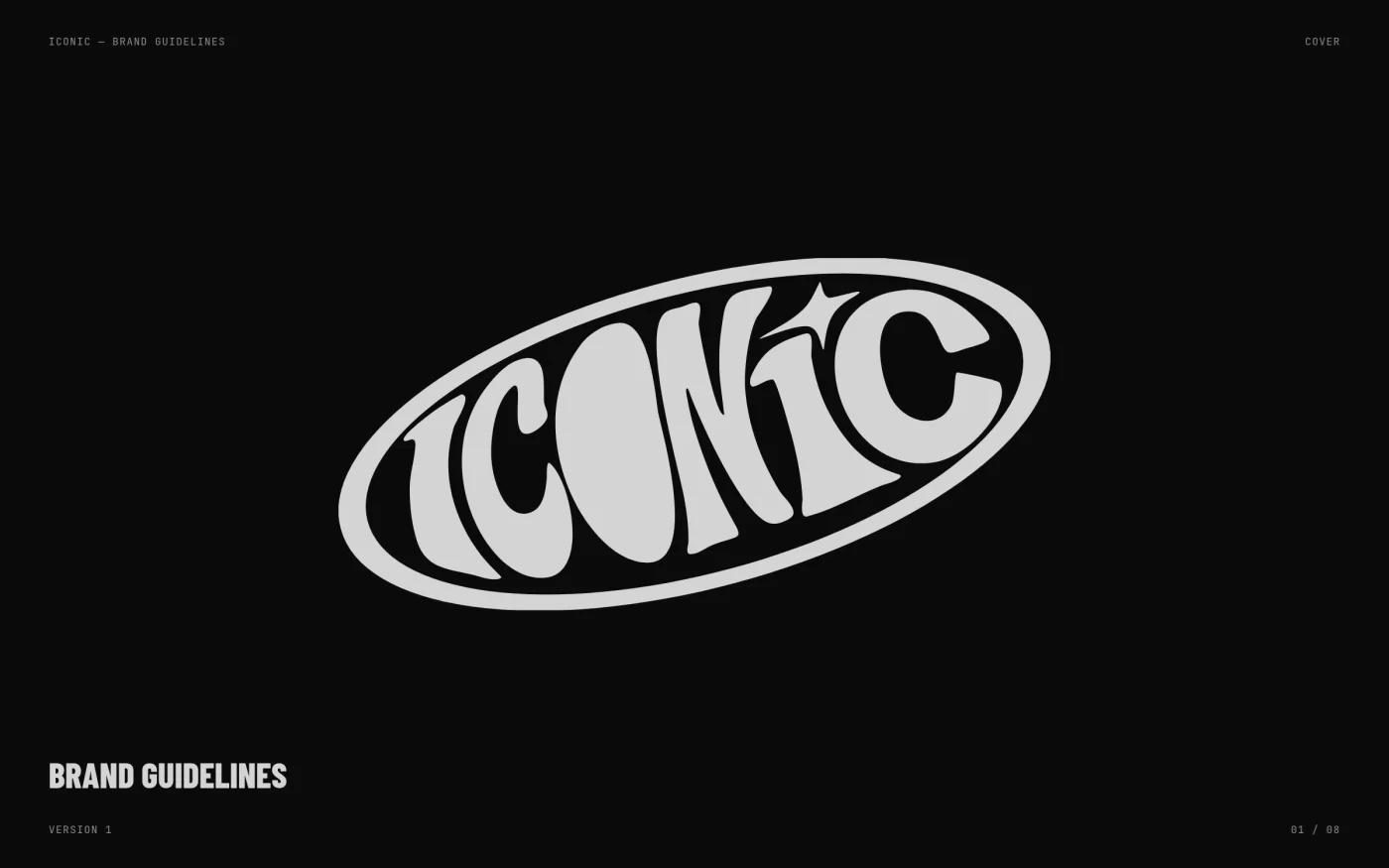
Yes. Attach your logo to the brief, or pick a brand kit and the flyer uses its logo, colours and typefaces.
Can I hand out the flyer for my business?
Paid plans include commercial use of your files, under the terms of use.
Kinory is in early access.
5,000 credits free when you sign up, and double credits on your first month of a paid plan.