Make a poster with AI
Create a poster from a brief. Edit the text, images and layout before exporting.
Get 5,000 free credits.See pricing
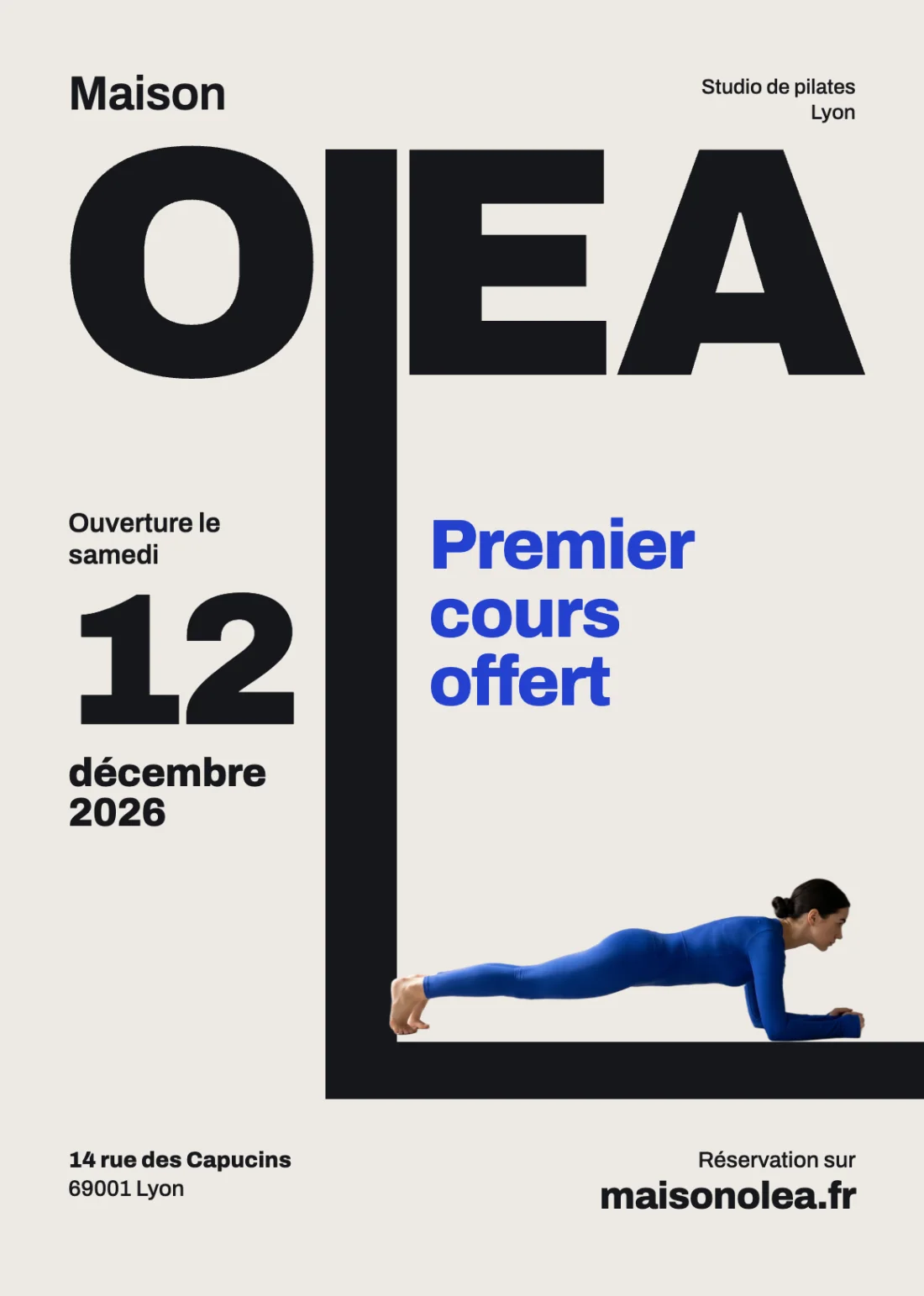
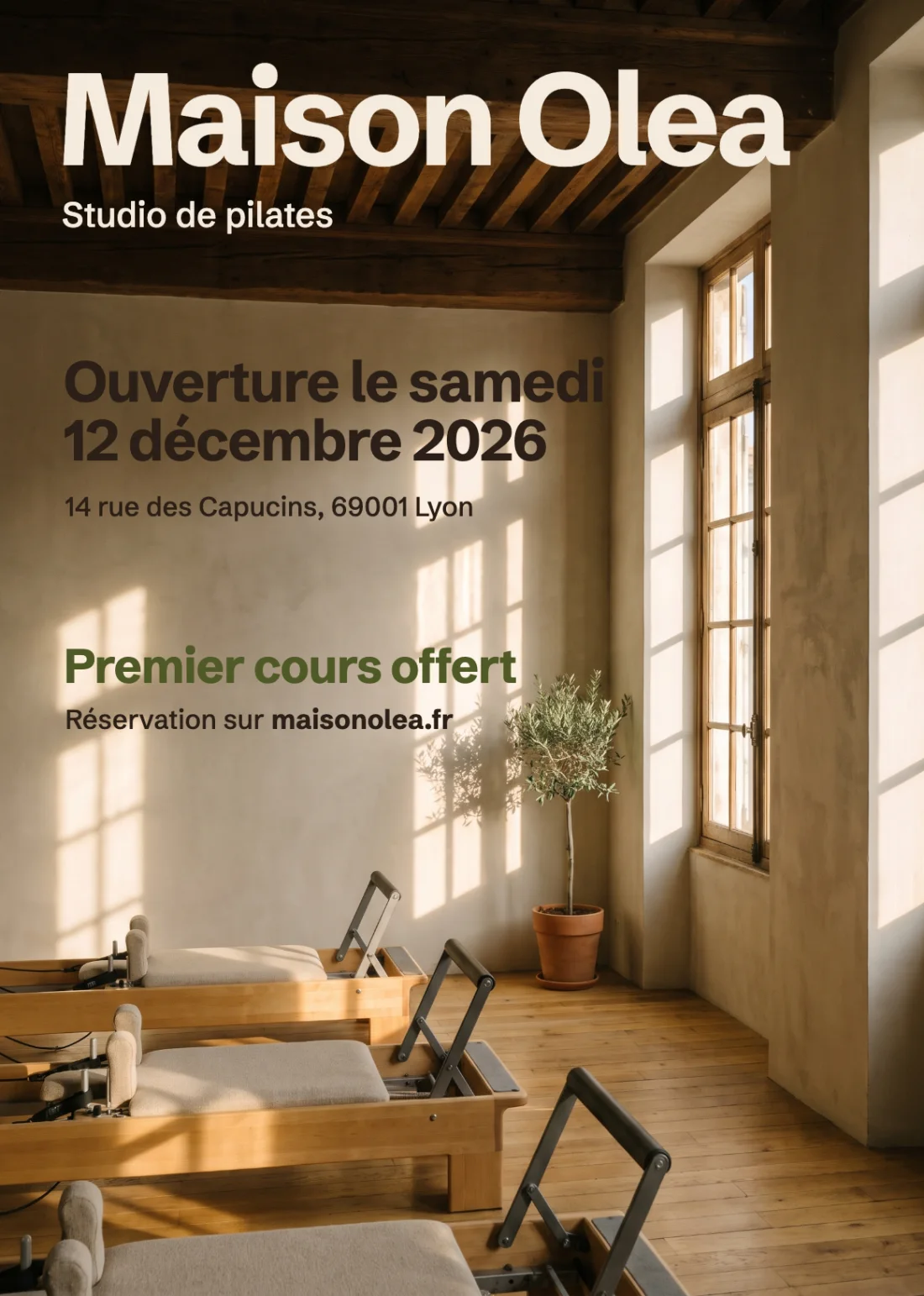
AI poster examples
Posters for a meetup, a bike workshop and a tour.
Specify the print style
Specify the print style and colours. Late Commit’s poster uses two colours and a halftone sun for a risograph look.
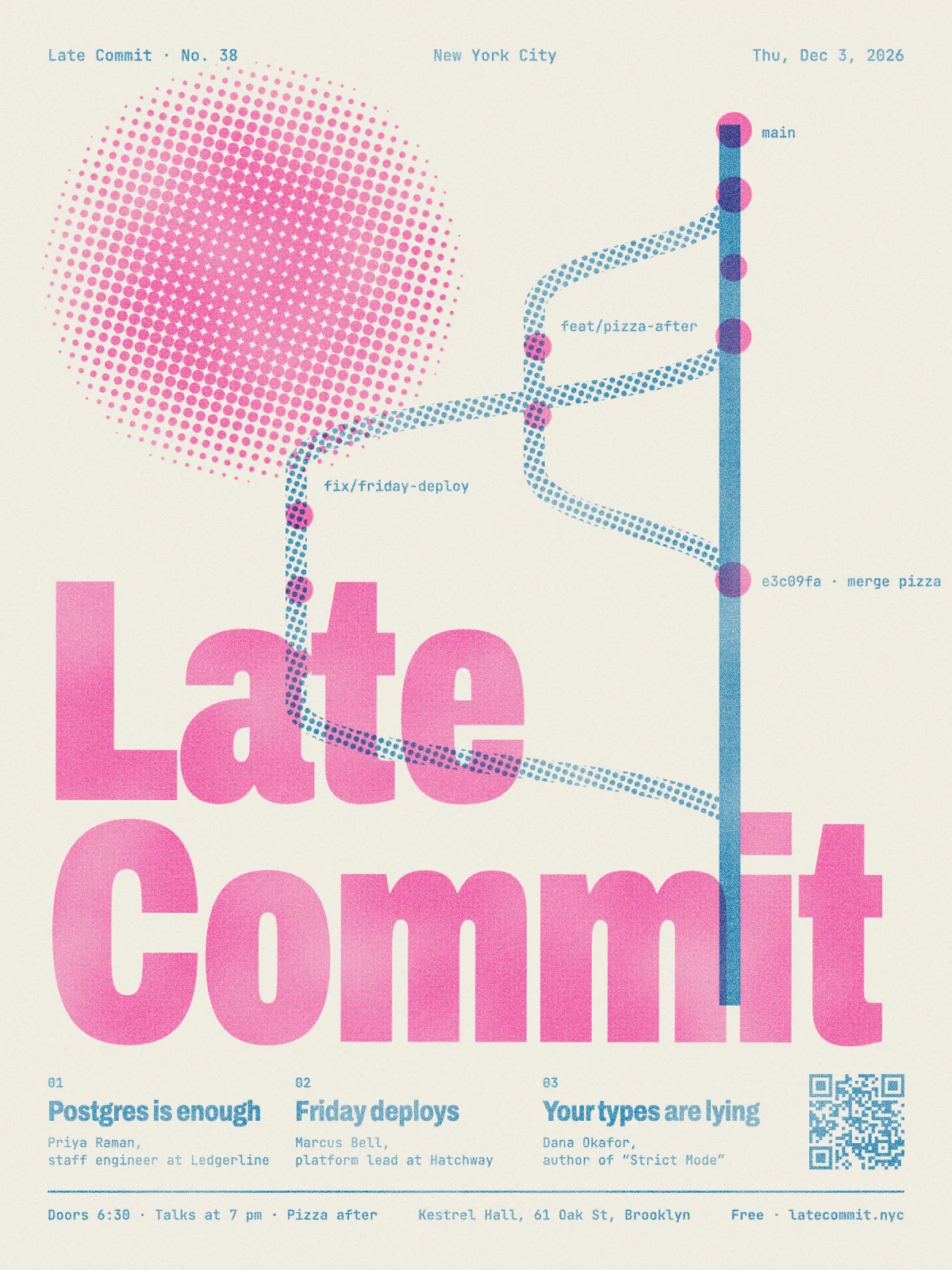
A riso poster for Late Commit, our developer meetup in Brooklyn: three talks on December 3, then pizza. Pink and blue.Include the date, venue and offer
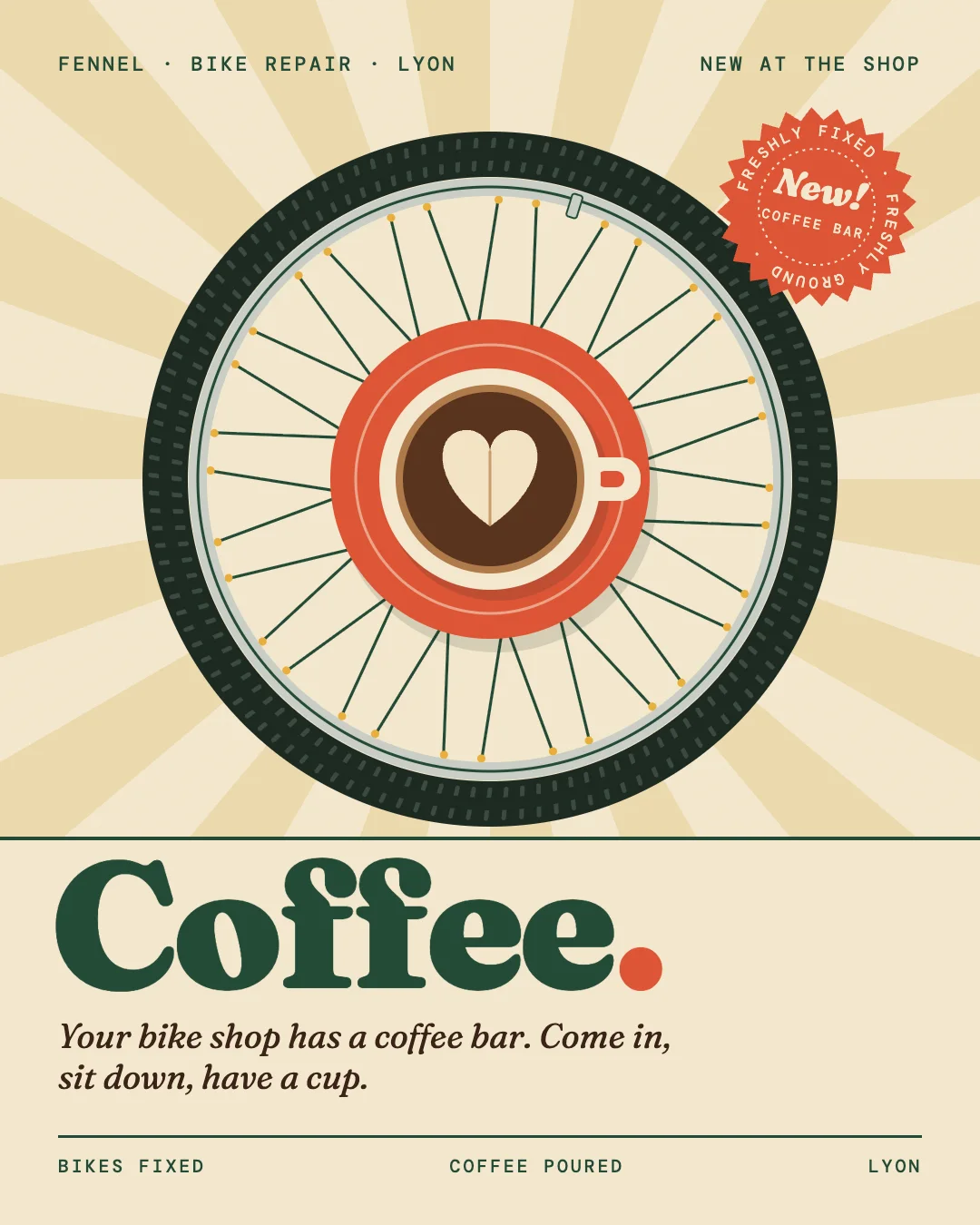
Fennel’s poster highlights the free coffee and groups the event details at the bottom. The brief specifies A3 portrait and 3 mm of bleed.
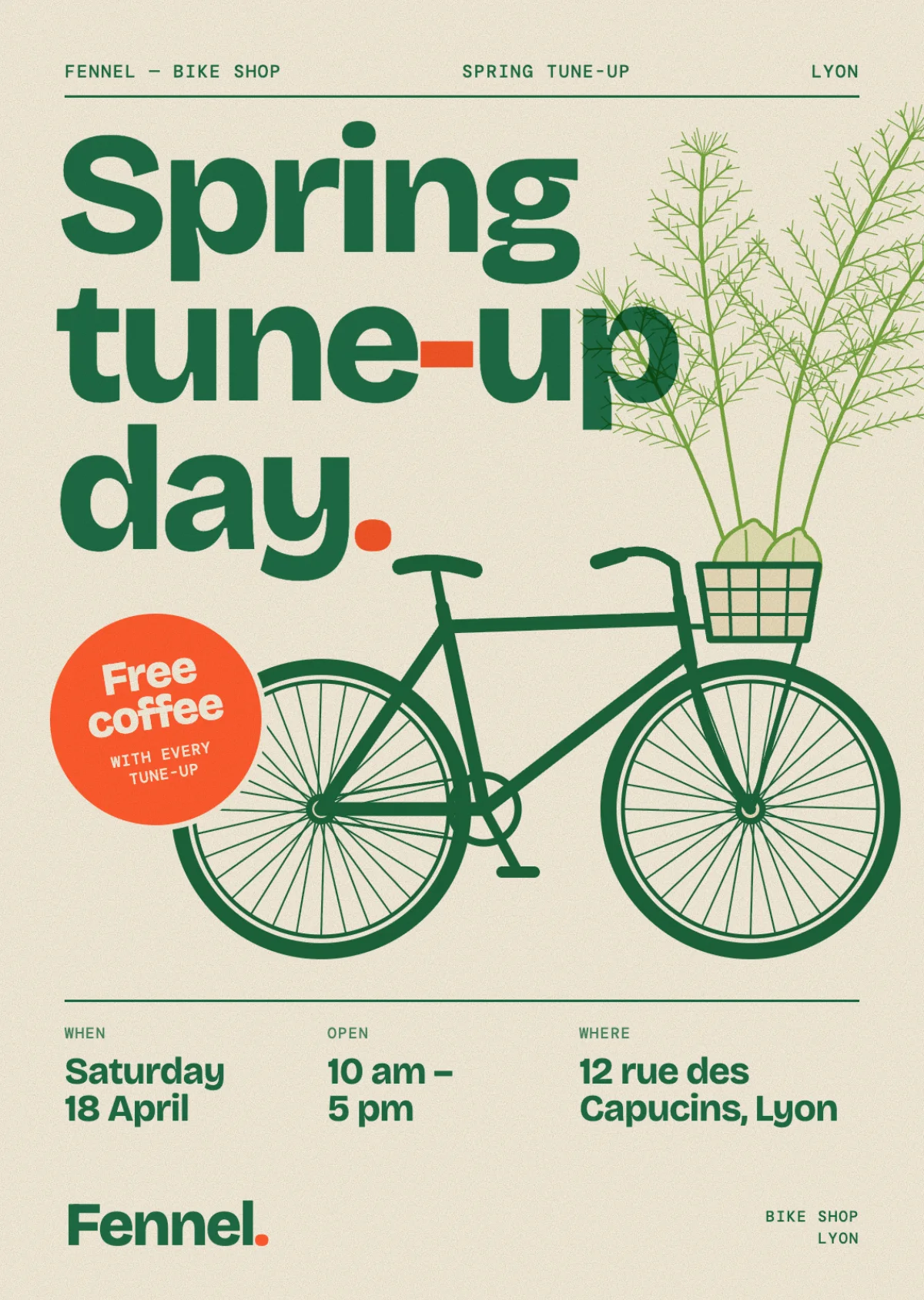
A poster for the Fennel bike shop spring tune-up day, Saturday 18 April, 10 am to 5 pm, 12 rue des Capucins, Lyon. Free coffee with every tune-up. A3 portrait.Write the dates as a list
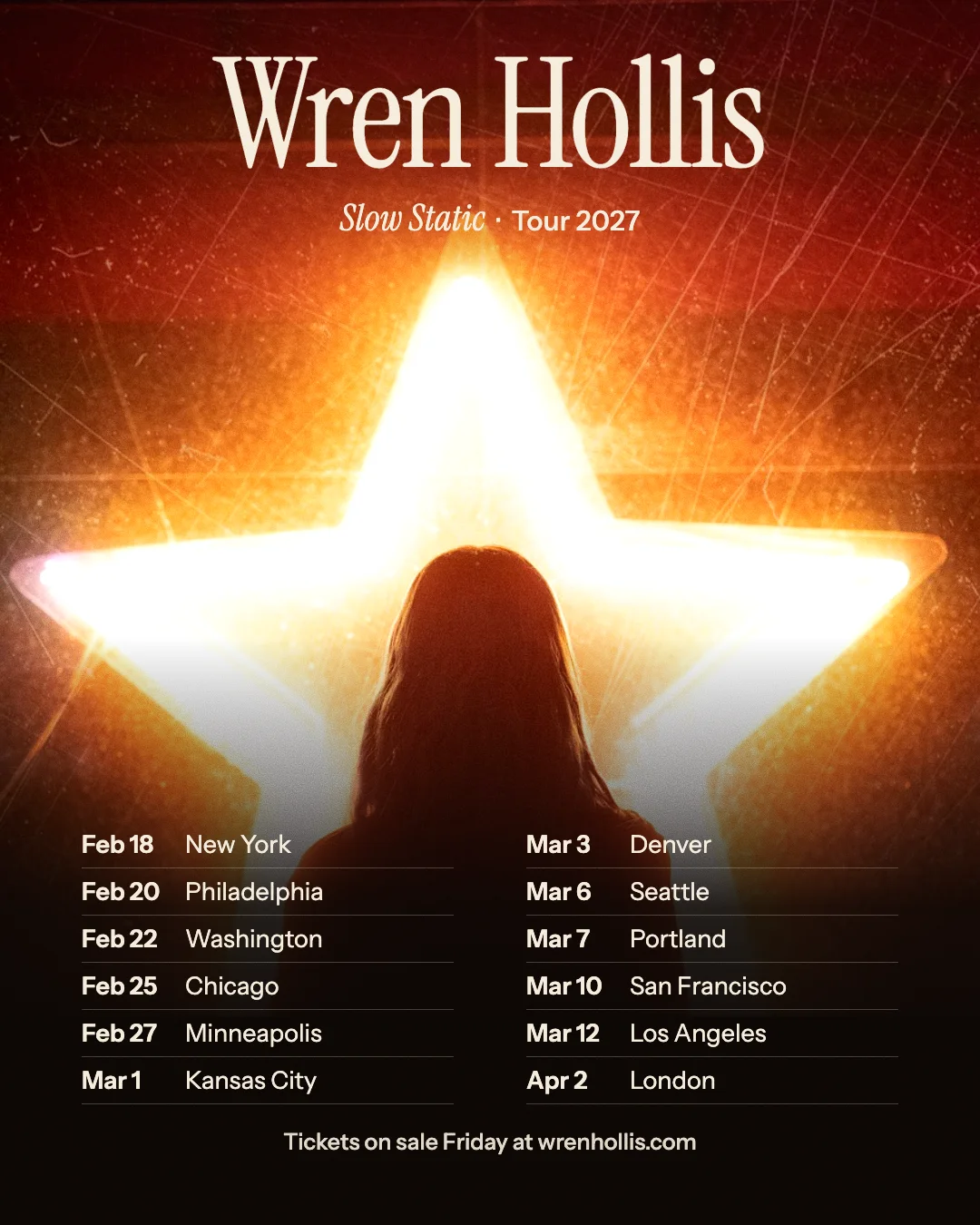
For a tour or a season, give the dates and the cities line by line. On this poster twelve dates fit in two columns under the picture and stay readable.
Sizes, print and exports
- Sizes
- Specify a standard size or custom dimensions, such as A3, 50 × 70 cm or a size in pixels.
- On Pro and Studio, export a CMYK PDF with bleed and crop marks.
- Exports
- PNG and JPG at 2× resolution, a vector PDF, SVG to paste into Figma and a Photoshop file with its layers.
- Changes
- Open the poster in the editor to change a text, a typeface, a colour or a picture. These changes are free.
- Pictures
- Attach your photos or generate a picture in Kinory Studio. You can remove its background or extend it to fill its frame.
- Your brand
- Pick a brand kit and the poster uses its logo, colours and typefaces.
Estimating costs
Each version shows its credit cost. Manual edits are free. You get 5,000 credits when you sign up, then 1,000 every month on the Free plan.
Free
€0
5,000 credits when you sign up
Creator2× the first month
€29a month before VAT
6,000 credits a month
Pro2× the first month
€99a month before VAT
22,000 credits a month
Studio2× the first month
€299a month before VAT
70,000 credits a month
Frequently asked questions
Can I make a poster for free?
You get 5,000 credits when you sign up, then 1,000 every month on the Free plan. Each version shows its credit cost. Manual edits are free.
Can I have my poster printed?
Yes. Give the size in your brief, such as A3 or 50 × 70 cm. Pro and Studio export a CMYK PDF with bleed and crop marks. The other plans export a vector PDF.
Can I edit the text myself?
Yes. The poster opens in the editor: texts, typefaces, colours, positions, layers and pictures. A change made by hand saves a new version and costs no credits.
Can I use my own logo and photos?
Yes. Attach them to the brief, or save your logo, colours and typefaces in a brand kit and pick it for every poster.
What style will my poster have?
The one you ask for. Name a technique, a period or a reference in the brief. With no direction, Kinory picks a style that suits the subject.
Can I get the poster in other sizes?
Yes. Under a design, ask Kinory to adapt it to other formats, such as a story or a square post. You can also have it translated.
Can I use the poster for my business?
Paid plans include commercial use of your files, under the terms of use.
Kinory is in early access.
5,000 credits free when you sign up, and double credits on your first month of a paid plan.